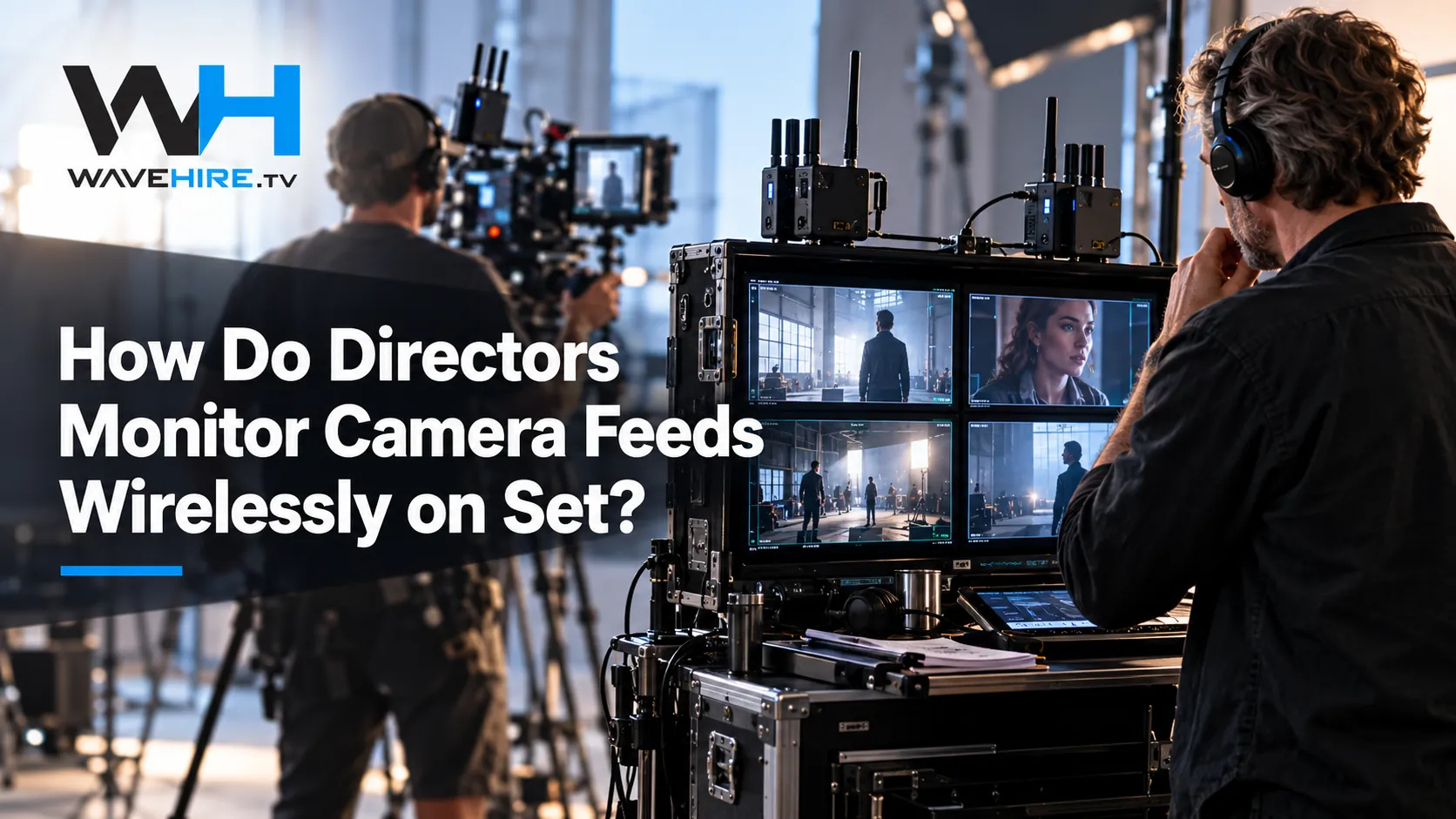
A surprising number of enquiries start with the wrong question. Someone asks for a wireless link for a Sony camera and means picture, or asks for video and actually needs the DOP or shader to adjust the camera from a distance. The two jobs sound alike on a call sheet, yet they use different kit. Getting this straight at prep saves a lot of trouble on the day.
What does wireless video carry?
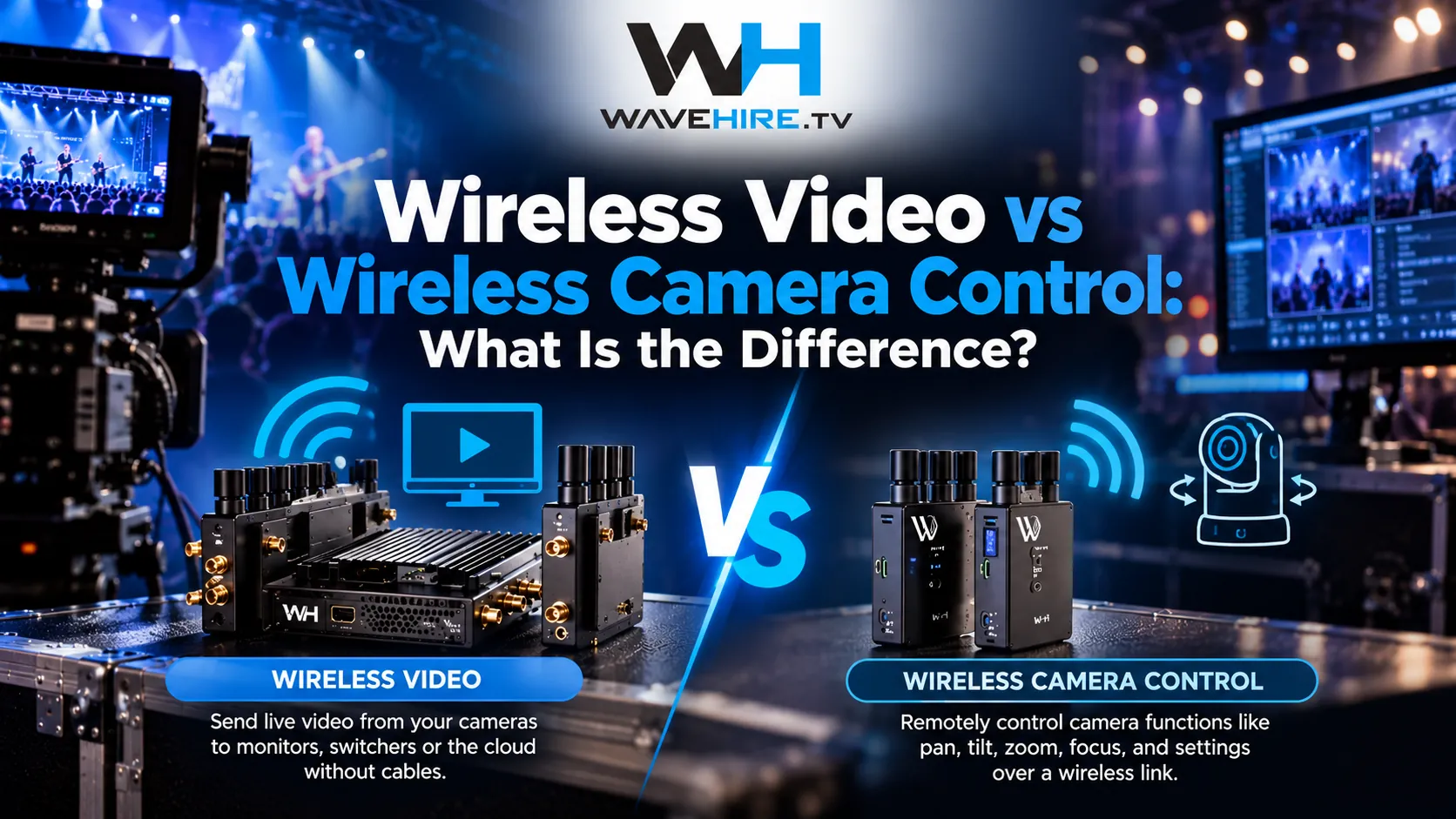
Wireless video carries the camera's picture. A transmitter takes the HD-SDI or HDMI output from the camera and sends it to a receiver, which outputs the picture to a monitor, a recorder or a vision mixer. It is the wireless equivalent of running an SDI cable, and it is what you need when the camera operator moves and the picture has to follow.
SDI is the long-standing professional standard for this signal. The serial digital interface overview on Wikipedia covers how it works and why the cable runs are limited, which is the problem wireless links exist to solve. In our range, picture links come in two families. The VITA series is for on-set monitoring, and the FLEX series is for broadcast live work where picture travels with other functions.
What does wireless camera control carry?
Wireless camera control carries settings and data, not picture. It lets someone at an RCP or a control position adjust the camera remotely, or lets a network device talk to equipment at the camera position. Traditionally that role belonged to a camera control unit, and the camera control unit article on Wikipedia describes how vision engineers matched exposure and colour across cameras from a distance.
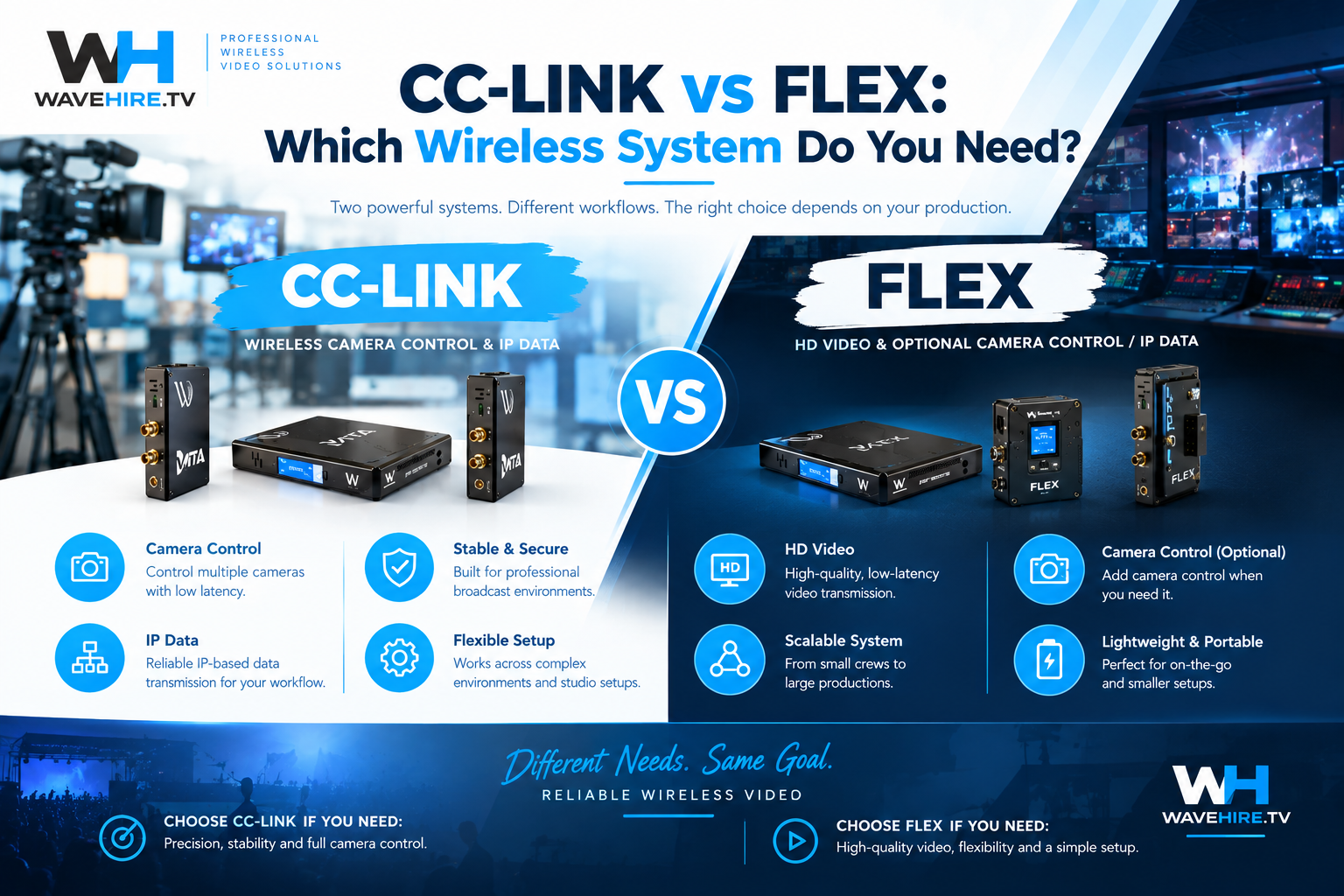
The CC-LINK series does this job wirelessly. It carries Sony camera control and IP data only, with no video. If you hire a CC-LINK product expecting a picture, you will not get one, so pair it with a video link when you need both.
Why do people confuse the two?
Both are wireless, both attach to the camera and both are often needed on the same job. On a multi-camera shoot the shader wants a picture to judge exposure and also needs control of the iris and black level. That is why a system that combines both functions exists, and why choosing between separate links and a combined one is the real decision.
Which WaveHire system does which job?
Each series carries a different mix of functions. Here is the quick comparison, with daily rates excluding tax.
| System | Carries video | Carries camera control | Carries IP data | Range (line-of-sight) | Daily rate |
|---|---|---|---|---|---|
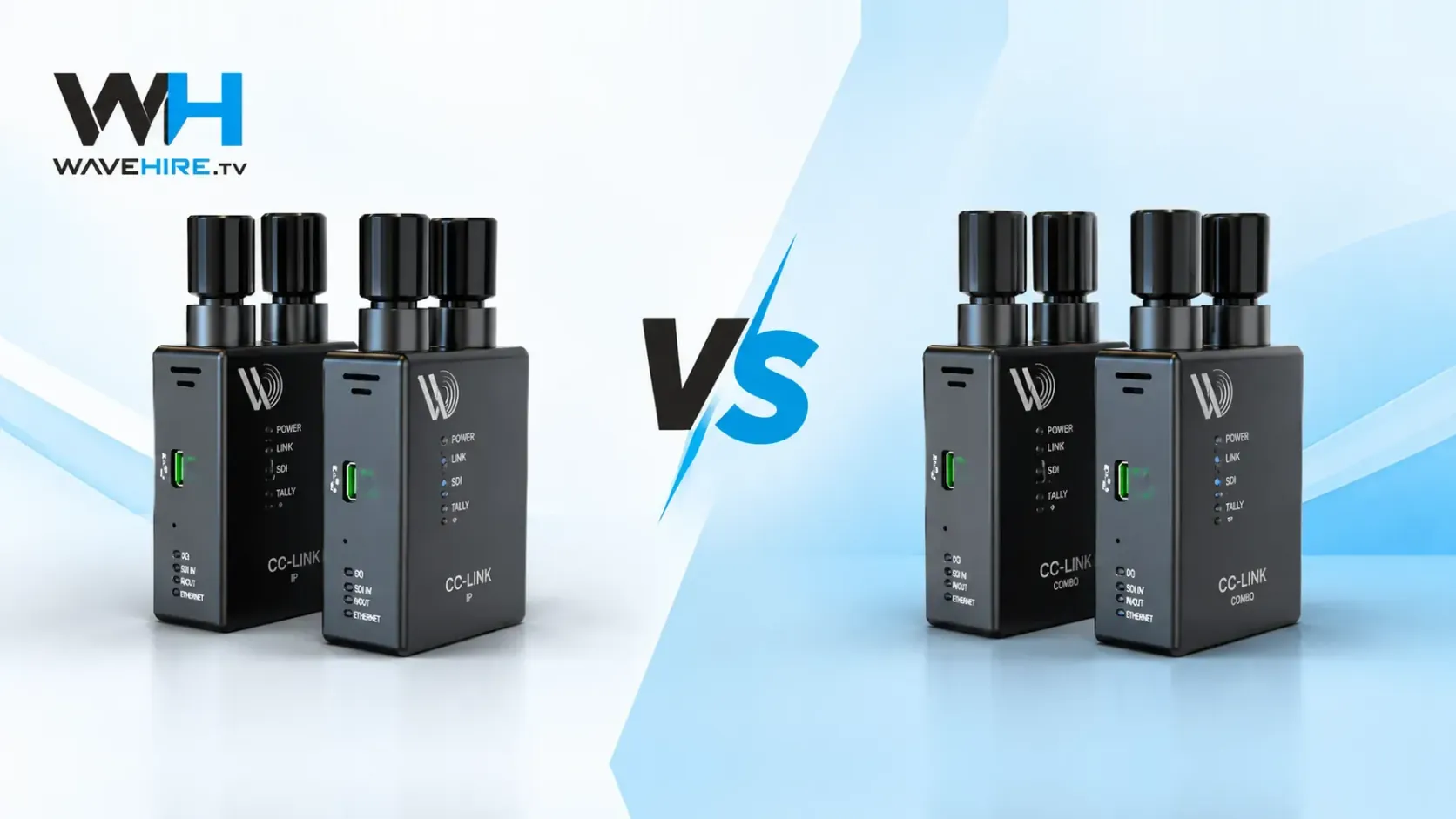
| CC-LINK IP | No | No | Yes | Up to 1 km | £100 |
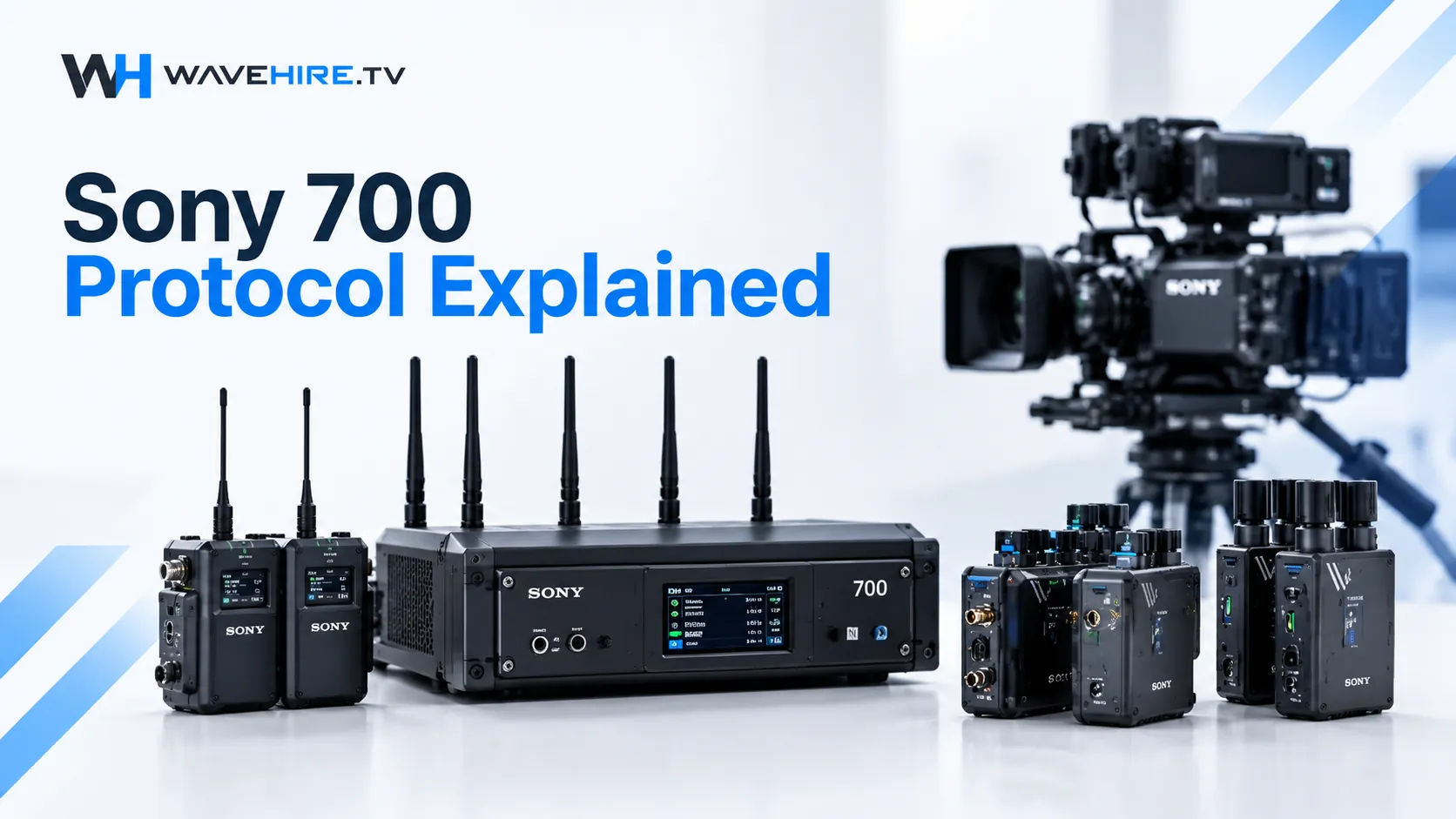
| CC-S700 | No | Sony 700 protocol | No | Up to 1 km | £125 |
| CC-LINK COMBO | No | Sony control | Yes | Up to 1 km | £135 |
| FLEX IP | Yes | No | Yes | Up to 600 m | £175 |
| FLEX S700 | Yes | Sony control | No | Up to 600 m | £200 |
| FLEX Fusion | Yes | Sony control | Yes | Up to 600 m | £225 |
| VITA PRO System | Yes, for monitoring | No | No | Up to 600 m | £125 |
| Vita Lite System | Yes, for monitoring | No | No | Up to 300 m | £90 |
Weekly and monthly rates are lower per day on every system. Ranges are rated line-of-sight, so expect less in a crowded venue.
Which system should you hire for your job?
Match the kit to what has to travel over the link, then check range and budget.
- Picture to a director or client, nothing else:VITA PRO System or Vita Lite System, from £125 or £90 a day
- Remote Sony camera control only, with picture already sorted (its 6-pin LEMO connection and Sony 700 protocol suit cameras that expect that control port):CC-S700
- Remote control plus network data, no picture:CC-LINK COMBO
- Network data only, such as bridging two LAN devices (dual LAN (RJ45) connections and low and consistent network latency):CC-LINK IP
- Broadcast live picture with network data:FLEX IP
- Broadcast live picture with Sony control:FLEX S700
- Picture, network data and Sony control on one link (our most capable system):FLEX Fusion
Each product page has full specifications and weekly and monthly rates. The category pages for wireless camera control, broadcast live and wireless monitoring group the options together, and the equipment hub lists all ten.
Is one combined link better than two separate ones?
Not always. A combined link such as the FLEX Fusion keeps everything on one wireless system, which means fewer boxes on the camera and fewer things to plan around. Separate links can make sense when your video path is already sorted, or when picture and control have to travel to different places.
Think about what happens when something fails. With one combined link, a fault affects everything on that camera. With separate links, you can swap a single unit. The honest answer depends on your build, so talk it through with us before you book.
How does security work on camera control links?
On the CC-S700 and CC-LINK COMBO, AES encryption protects the camera-control and status data travelling over the link. These products carry no video, so there is no picture to protect. The CC-LINK IP and CC-LINK COMBO use WPA2 for their network connections.
What range should you plan for?
CC-LINK products are rated up to 1 km line-of-sight. FLEX systems are rated up to 600 m line-of-sight, and so is the VITA PRO System. Those figures assume a clear path. In a stadium, a studio full of steel or a street full of vehicles, plan for less and test on site. We would rather talk you out of a marginal set-up than have you discover the problem during a take.
Where can you hire a wireless camera control kit in London?
WaveHire hires wireless camera control, broadcast live and wireless monitoring systems from our London facility. Every unit is tested by a technician before dispatch, same-day collection is available, kit is fully insured and support runs 24 hours a day. Tell us the cameras, the control position and the distances through our contact page and we will recommend a system. If your question is specifically about picture for directors, our guide to how directors monitor camera feeds wirelessly goes deeper.
Sources and further reading
- Wikipedia: Camera control unit How vision engineers match exposure and colour across cameras from a distance.
- Wikipedia: Serial digital interface (SDI) Background on the SDI video standard used on broadcast cameras.
- Wikipedia: Line-of-sight propagation The principle behind rated range and clear paths between antennas.