Anyone who has watched a director wander off to get a better look at a rehearsal knows the problem. The monitor is wherever the cable ends, and the cable ends wherever the camera happens to be. Wireless monitoring removes that limit, but only if the link is chosen and set up with some care. Here is how it works in practice, written from the point of view of people who prepare and test this kit every week.
How does wireless director monitoring work?
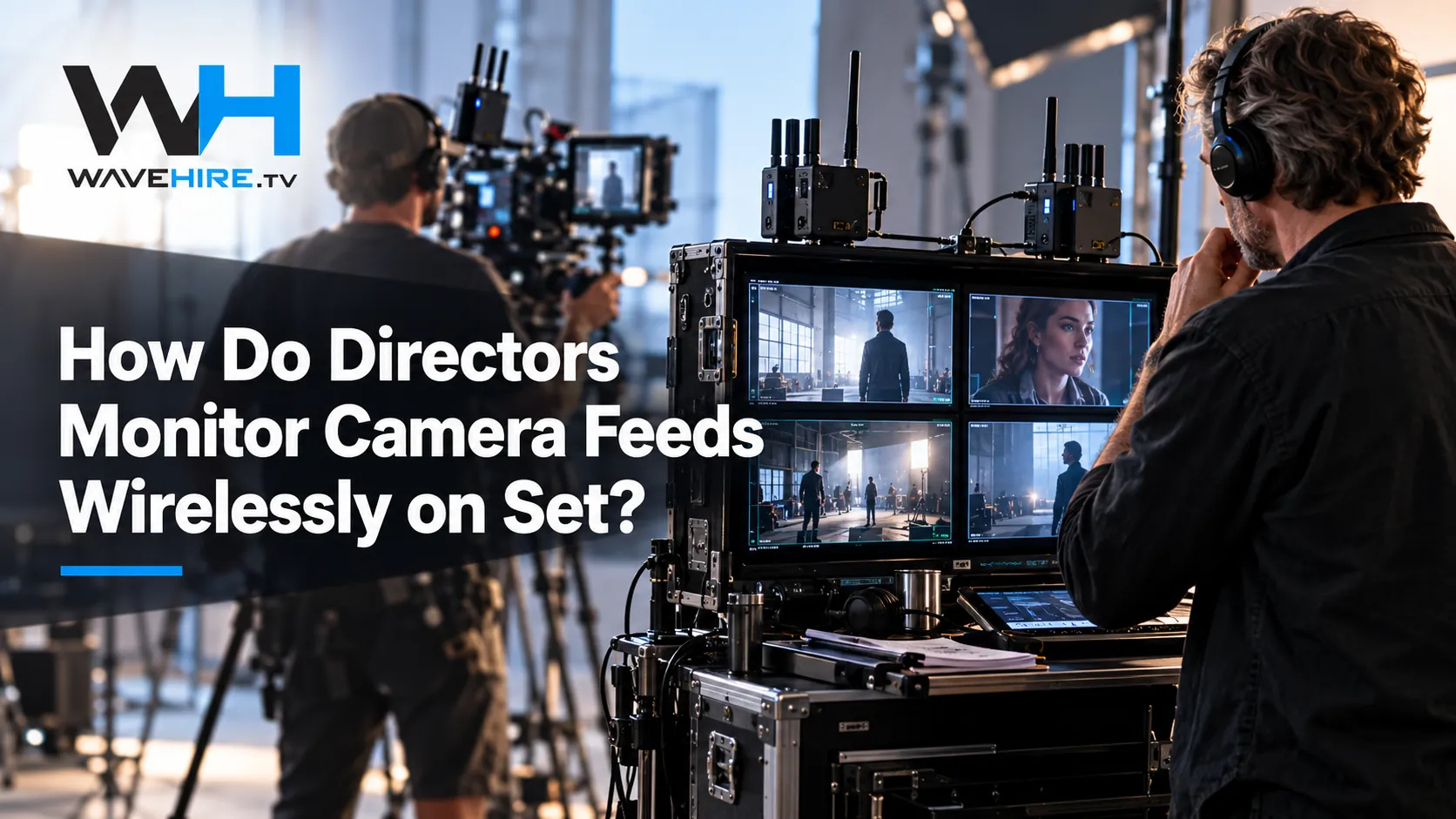
A wireless monitoring link has two ends. A transmitter takes the clean video signal from the camera, usually over HD-SDI or HDMI, and sends it over the air. A receiver picks it up and outputs the same picture to a monitor, recorder or vision mixer, so the director sees what the camera sees without a cable run in between.
The transmitter end
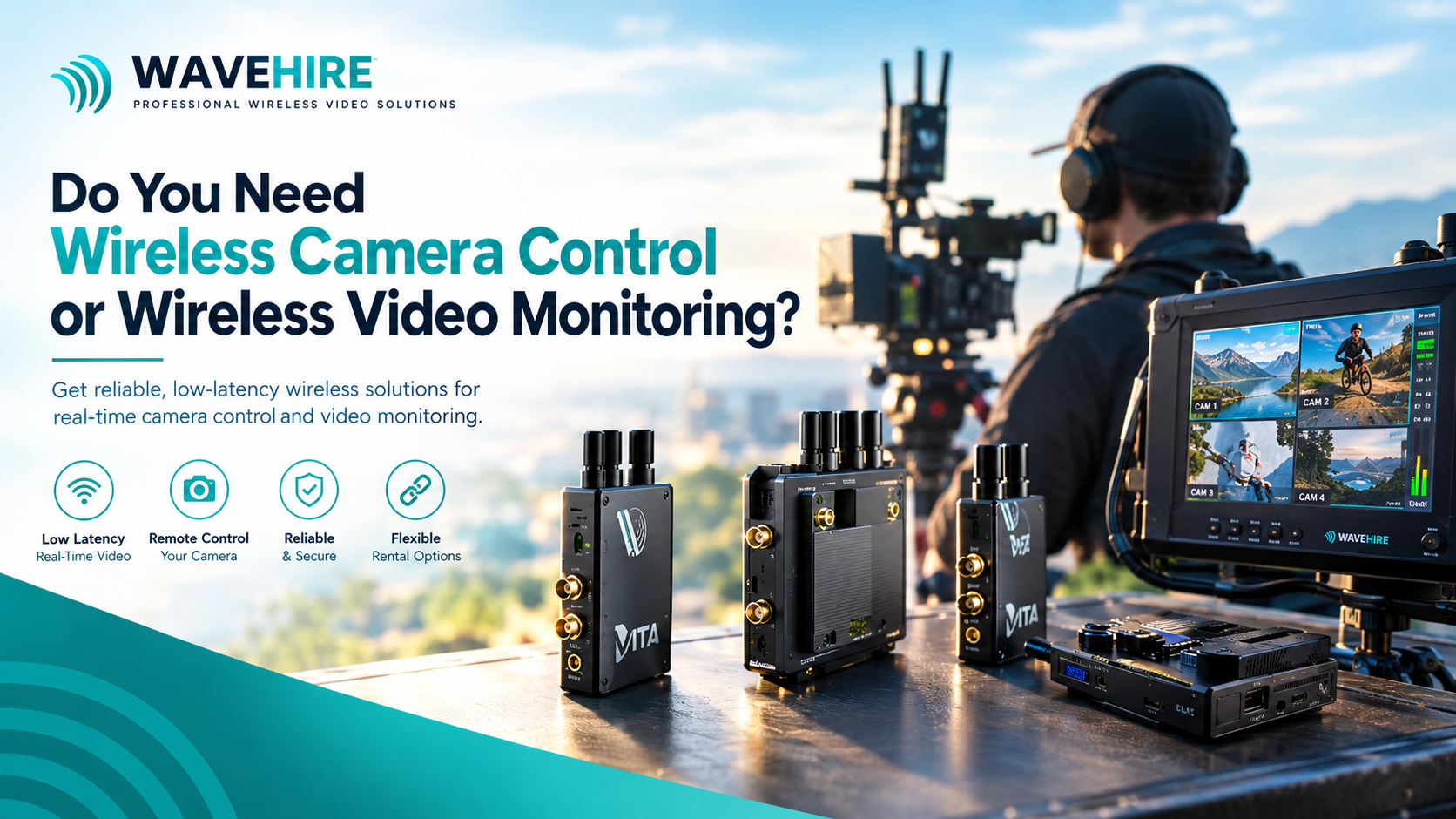
260 gThe transmitter sits on or beside the camera, normally on a cage or rod, and takes its video from the camera's SDI or HDMI output. Our Vita Transmitter has an HD-SDI loop, which means the signal can carry on to a local monitor or a focus puller's display while the same picture is sent wirelessly. It uses two RP-SMA antennas and weighs 260 g, so it adds very little to a handheld or gimbal build.
The receiver end
HD-SDI and HDMIThe receiver converts the radio signal back into a standard video output. Depending on the model that means HD-SDI, HDMI or both. From there the picture goes to the director's monitor, a client viewing station or a recorder. All VITA units also carry metadata and record trigger information, so the receiving side can follow what the camera is doing.
What range can you realistically expect?
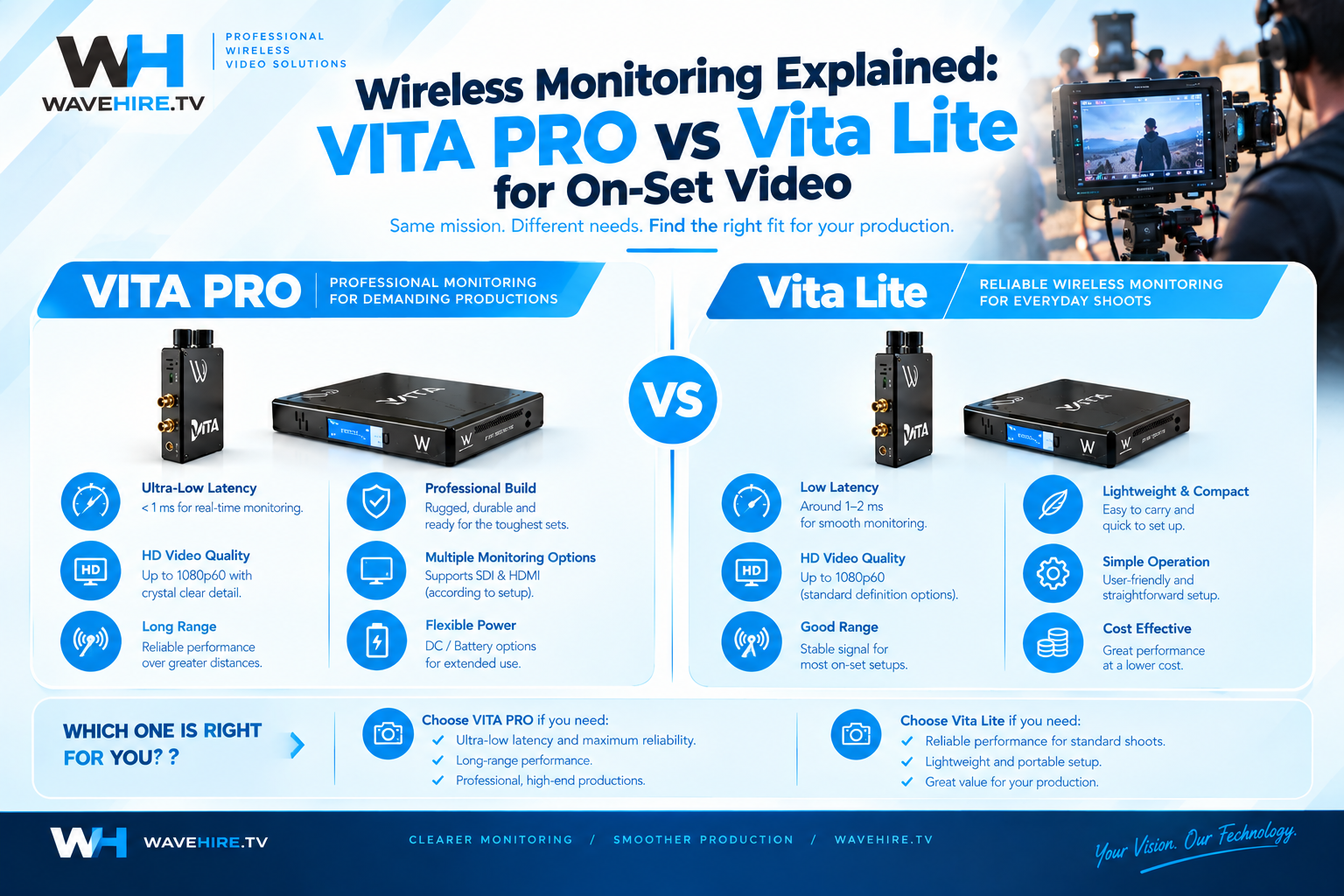
Rated range assumes a clear line of sight between transmitter and receiver, so plan on less. The VITA PRO System is rated up to 600 m and the Vita Lite System up to 300 m, both line-of-sight. On most sets the director is tens of metres from the camera, so range is rarely the problem. Obstructions are.
Walls, steel structures, vehicles, scaffolding and crowds all weaken a signal. Radio engineers also talk about keeping a zone around the direct path clear of obstructions, known as the first Fresnel zone, which is why a receiver placed low behind a lighting stand can perform worse than one placed higher with a cleaner view. The line-of-sight propagation overview on Wikipedia explains the principle well if you want the theory.
A sensible rule is to treat the rated range as the best case, not a promise. If your video village sits 150 m away behind a building, choose the longer-range system and test it on the day before the shoot.
How much delay is acceptable for monitoring?
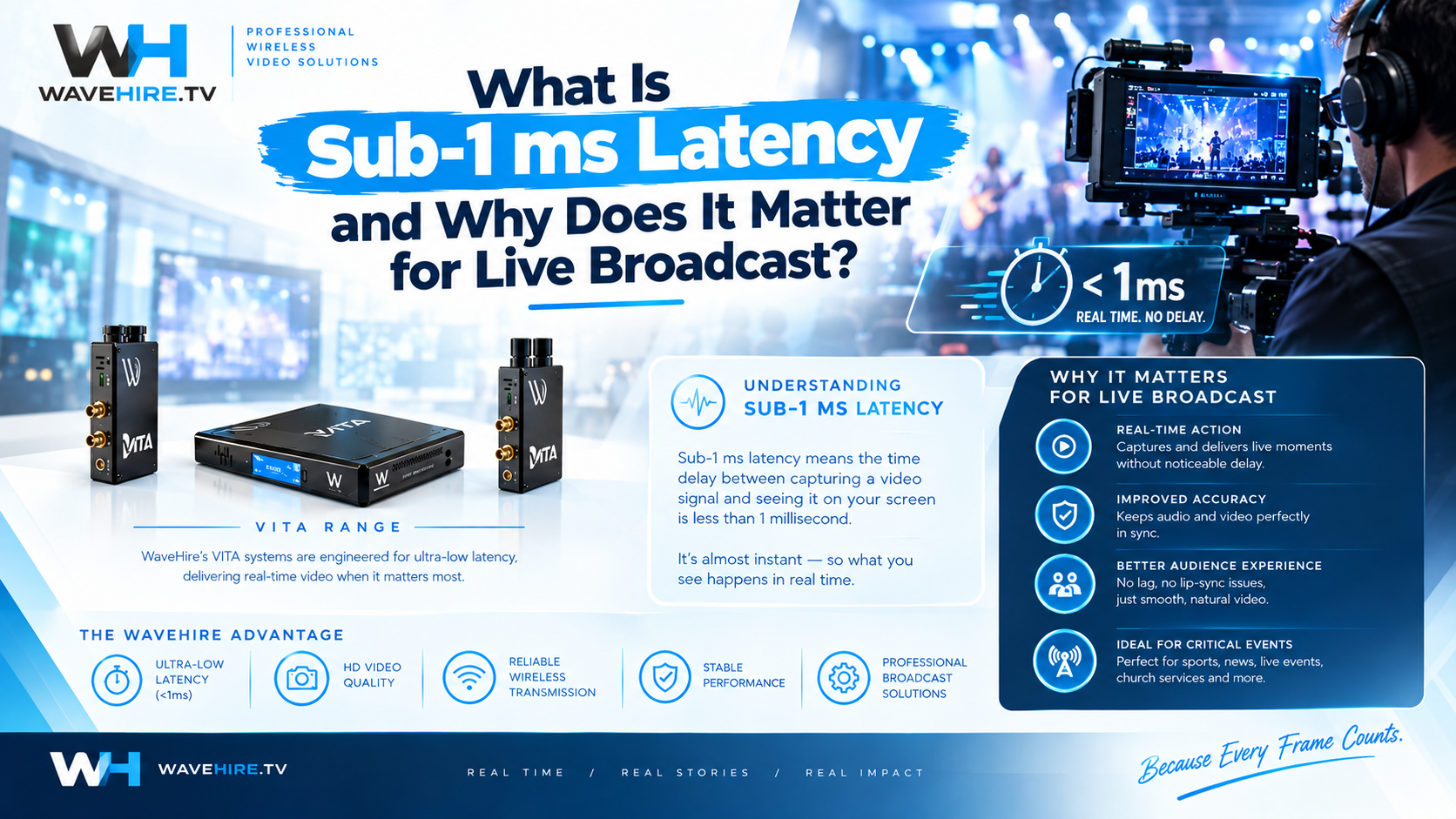
For monitoring, delay needs to be low enough that a director can judge a performance and a focus puller can follow action without noticing a lag. VITA systems deliver sub-1 ms system latency when a transmitter and receiver are used together as a compatible VITA wireless link.
That wording matters. A transmitter or a receiver on its own has no end-to-end latency, because it needs its partner at the other end of the link. If you are hiring a single unit to add a camera or a monitor point, check with us that it pairs with the system you already have.
Which VITA kit suits which job?
Choose the VITA PRO System for longer distances and two HD-SDI outputs, the Vita Lite System for compact set-ups under 300 m, and add a Vita Transmitter or Vita Lite Receiver when you need an extra camera or an extra monitor point.
| Kit | What it is | Range | Outputs | Daily rate (excl. tax) |
|---|---|---|---|---|
| VITA PRO System | Transmitter and receiver kit, enhanced multi-antenna | Up to 600 m | 2x HD-SDI and HDMI | £125 |
| Vita Lite System | Transmitter and receiver kit, 260 g TX and 240 g RX | Up to 300 m | 1x HD-SDI and HDMI | £90 |
| Vita Transmitter | Transmitter only, HD-SDI loop | Set by the link it joins | HD-SDI loop | £50 |
| Vita Lite Receiver | Receiver only, internal antennas, 240 g | Set by the link it joins | HD-SDI and HDMI | £80 |
Weekly and monthly rates are available on every unit. All VITA products work in the 5.1 to 5.9 GHz range using OFDM, with metadata and record trigger on every unit. For a full comparison, see our wireless monitoring hire category.
Does wireless monitoring also control the camera?
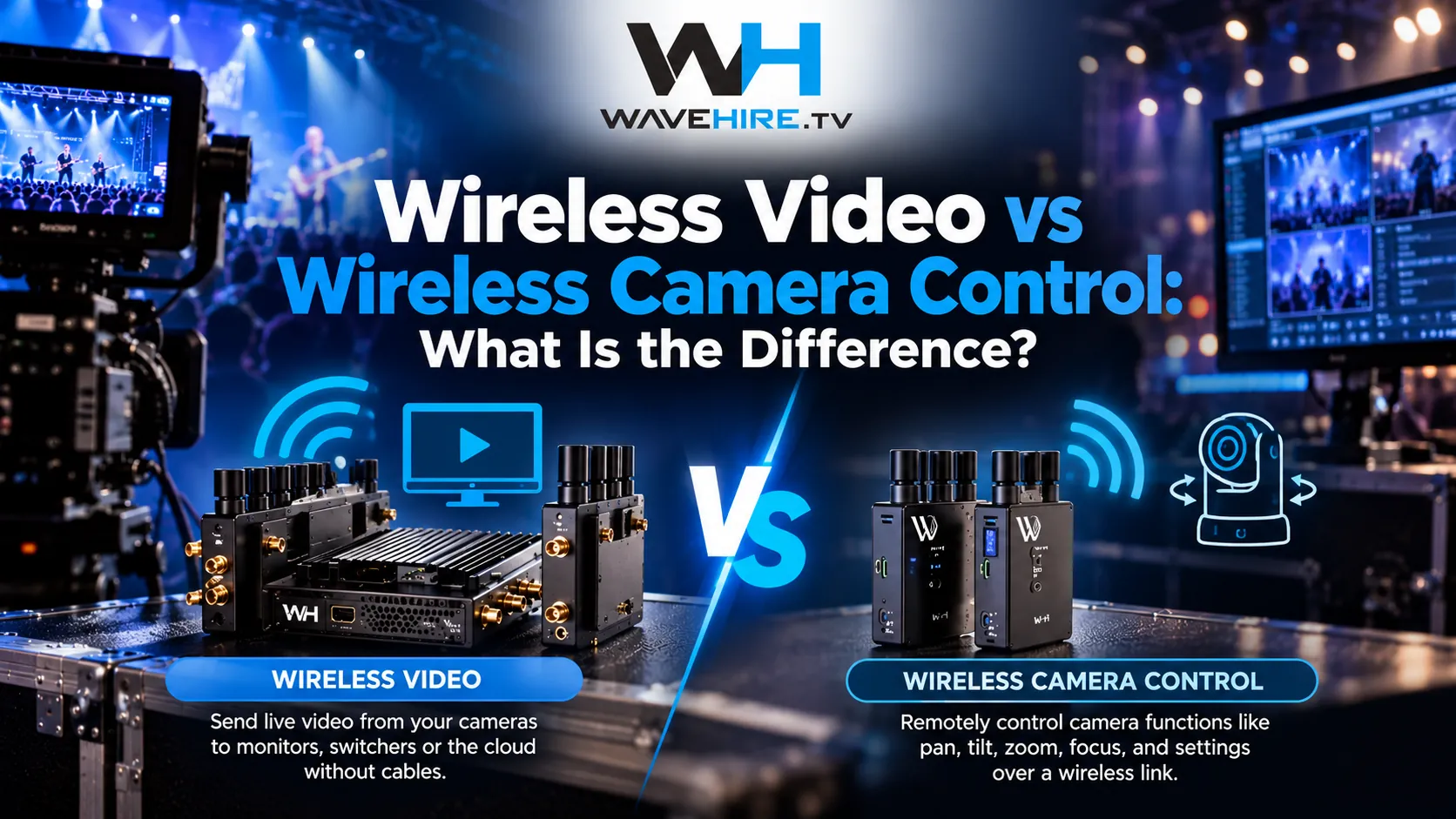
No. VITA carries video for on-set monitoring only. It does not carry camera control or IP data. If you need to adjust iris, black level or other settings remotely, that is a job for the CC-LINK range, and if you need picture and control together on one link, the FLEX range does both. Our guide to wireless video versus wireless camera control explains how to choose.
What goes wrong on set, and how do you avoid it?
Most monitoring problems come from a short list of causes, and nearly all of them can be prevented during prep.
- Crowded airwaves. Other crews, venue Wi-Fi and hundreds of phones share the same space. Our guide on managing RF congestion at live events covers this in detail.
- Buried antennas. An antenna tucked inside a rig or behind an operator's body loses signal. Keep antennas clear and consistently oriented.
- Power. A flat battery halfway through a take is the most common failure of all. Plan swaps before you need them.
- Cabling. A cheap or damaged SDI cable can look like a wireless fault. Carry spares and test them.
- Adding viewers late. If a producer or client wants a second screen on the day, a Vita Lite Receiver can add a monitor point, provided it pairs with your link.
What should you check before the shoot?
Run through these five checks and most monitoring problems disappear before the first take.
- Count the cameras and the monitor points you need.
- Measure the real distance and note anything solid between camera and monitors.
- Confirm the connectors on both ends, SDI or HDMI, and pack spare cables.
- Plan battery or mains power for the transmitter and the receiver.
- Test the whole chain at prep or the day before, with the monitors in their final positions.
Where can you hire a wireless monitoring kit in London?
WaveHire supplies VITA wireless monitoring systems from our London facility. Every unit is tested by a technician before dispatch, collection is available the same day, kit is fully insured and support runs 24 hours a day. We have 15 years of broadcast experience behind the advice, so if you are unsure which system fits your shoot, contact us with the camera count, distances and venue and we will recommend a set-up. You can also browse the full equipment range.
Sources and further reading
- Ofcom: Programme-making and special events (PMSE) Licensing guidance for wireless production equipment in the UK.
- Wikipedia: Line-of-sight propagation The principle behind rated range and clear paths between antennas.
- Wikipedia: Serial digital interface (SDI) Background on the SDI video standard used on broadcast cameras.