Is a Single Hire Day the Right Choice?
A daily hire covers the agreed collection or dispatch and return period confirmed at booking. For a shoot that wraps cleanly and where collection and return are straightforward, a single hire day is the cost-efficient option.
Where it becomes a risk is when the production schedule has any flexibility in it. A shoot that might run long, a live event where setup and strike days add to the equipment period, or a location at a distance from the hire facility where collection and return logistics add time. In all of these cases, the daily rate difference between hiring for one day and hiring for two or three days is worth calculating against the risk of needing to extend on the day.
Specifying the Right Kit for a One-Day Shoot
The most common mistake on a one-day wireless hire is over-specifying. Booking the most capable system available when the production requirement could be met by a simpler unit costs more for no operational benefit.
VITA Lite System
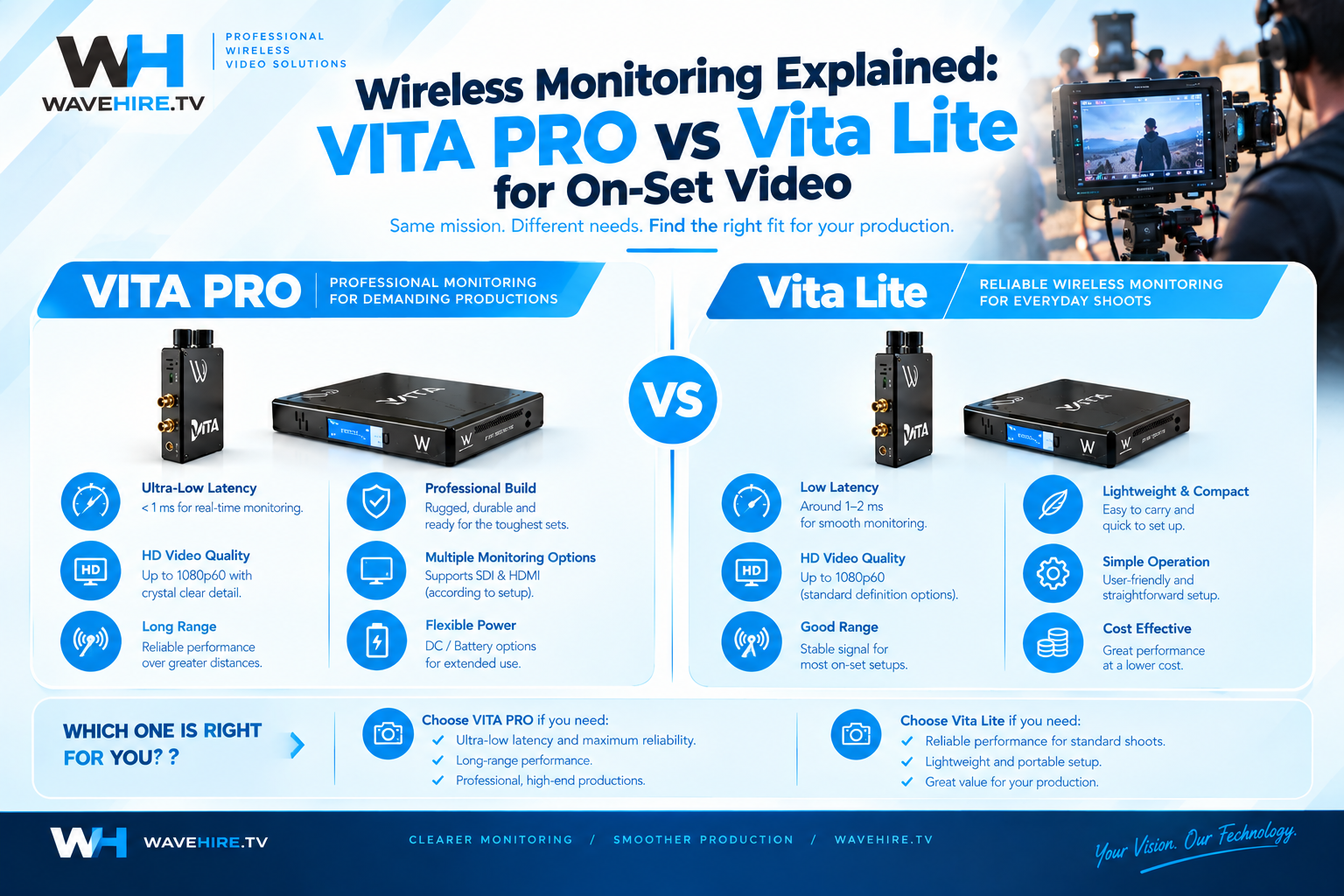
Up to 300 mFor a one-day single-camera shoot needing wireless monitoring to a director's monitor (a music video, a commercial with a remote monitor position, or a drama setup where the DOP needs a clean wireless picture at a distance), the VITA Lite System handles the requirement at a lower daily rate than the VITA PRO System, providing a range of up to 300 m with compact TX and RX units that rig quickly.
VITA PRO System
Up to 600 mIf the monitoring distance or environment warrants it, or if you need multiple receive points from a single transmitter, the VITA PRO System is the right call, with up to 600 m range, enhanced multi-antenna performance, and multiple HD-SDI outputs at the receiver for feeding several monitors simultaneously.
What to Confirm Before Collection Day
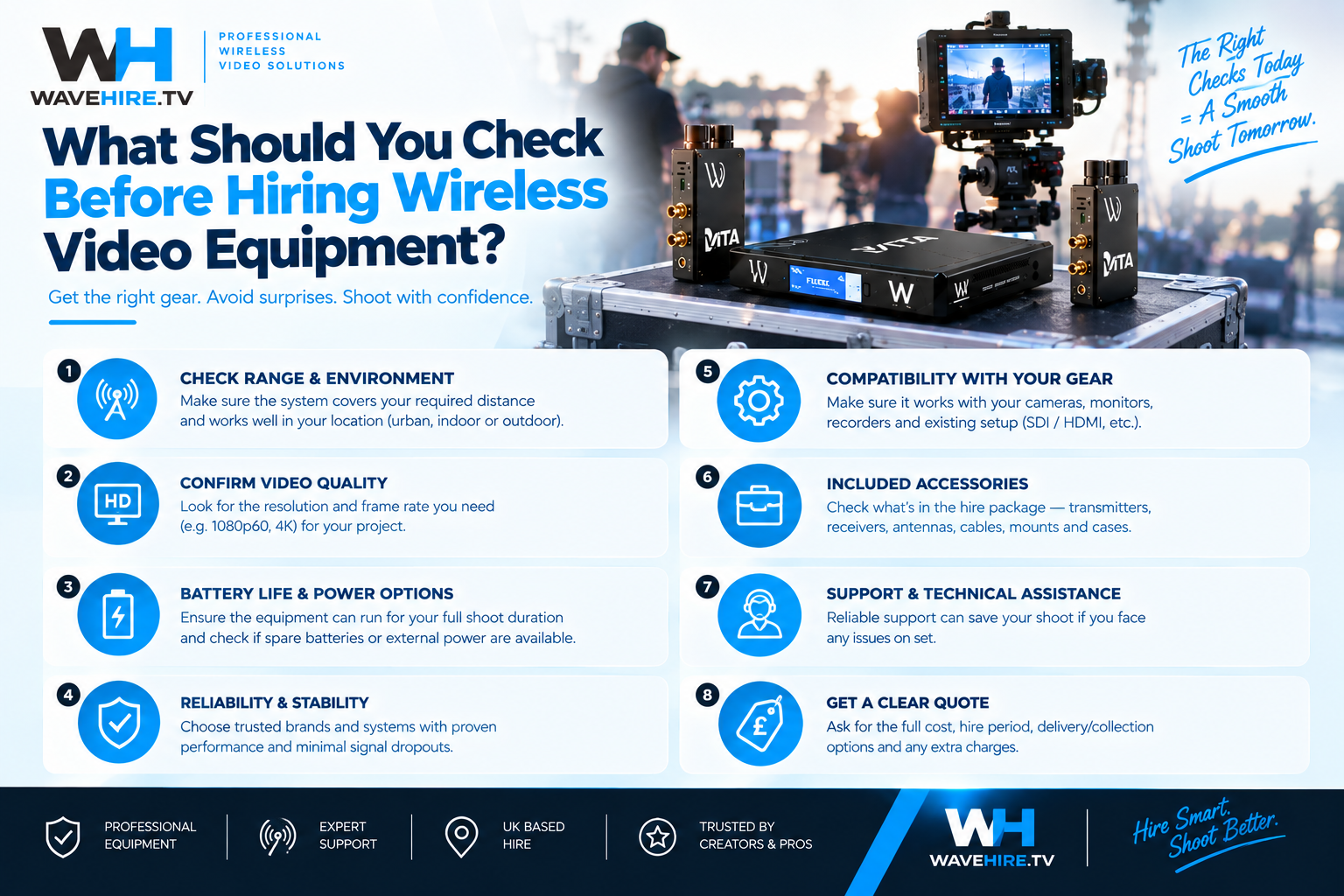
A one-day hire has no margin for sorting out missing cables or wrong connectors on the morning.
- Confirm the connector type on your camera's CCU interface if you need camera control (6-pin LEMO for Sony 700 protocol).
- Confirm the video output from the camera (HD-SDI, HDMI, or both), and ensure the receiver outputs match the inputs on the monitors or devices you are feeding.
- Confirm battery type. FLEX series transmitters use V-Mount or Anton Bauer batteries, so ensure you have compatible, charged batteries before the shoot day.
- Confirm collection timing with WaveHire in advance, particularly for early-morning shoots where a 7 am call means collection needs to happen the evening before.
Setting Up Wireless Kit on a One-Day Shoot
On a one-day shoot, time spent on wireless setup is time taken from production. Most wireless broadcast systems from the VITA and FLEX ranges are designed for rapid deployment once you know the system, but if this is your first time using a specific unit, familiarising yourself with the pairing procedure and checking the link quality before you need it on set saves friction during the shoot.
Pair the transmitter and receiver before moving to the final camera position. Check the link at the intended operating distance rather than assuming performance. If there is RF congestion at the location, scan for the clearest operating channel and set it before the camera is rigged.
When to Upgrade to a Weekly Rate
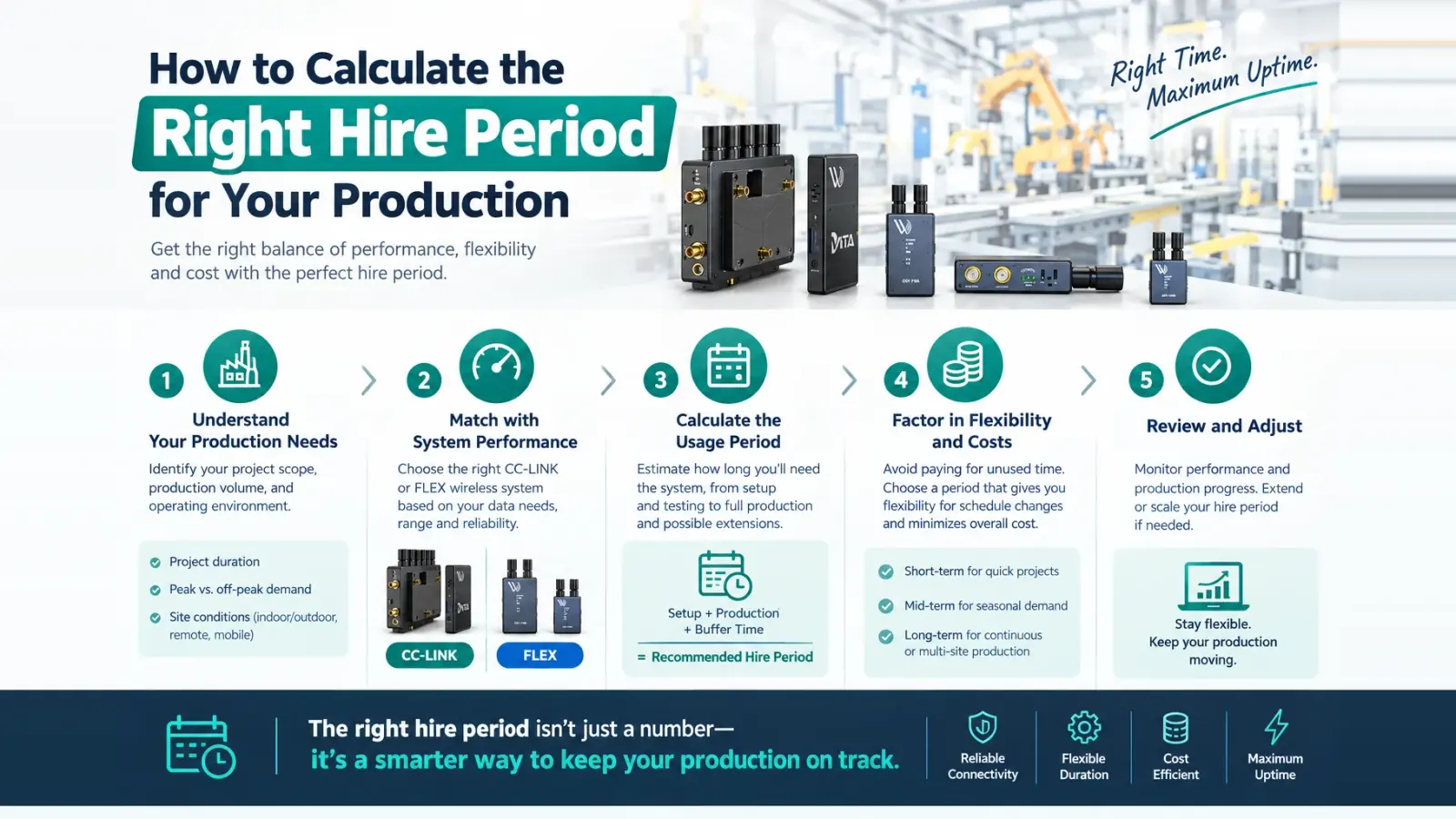
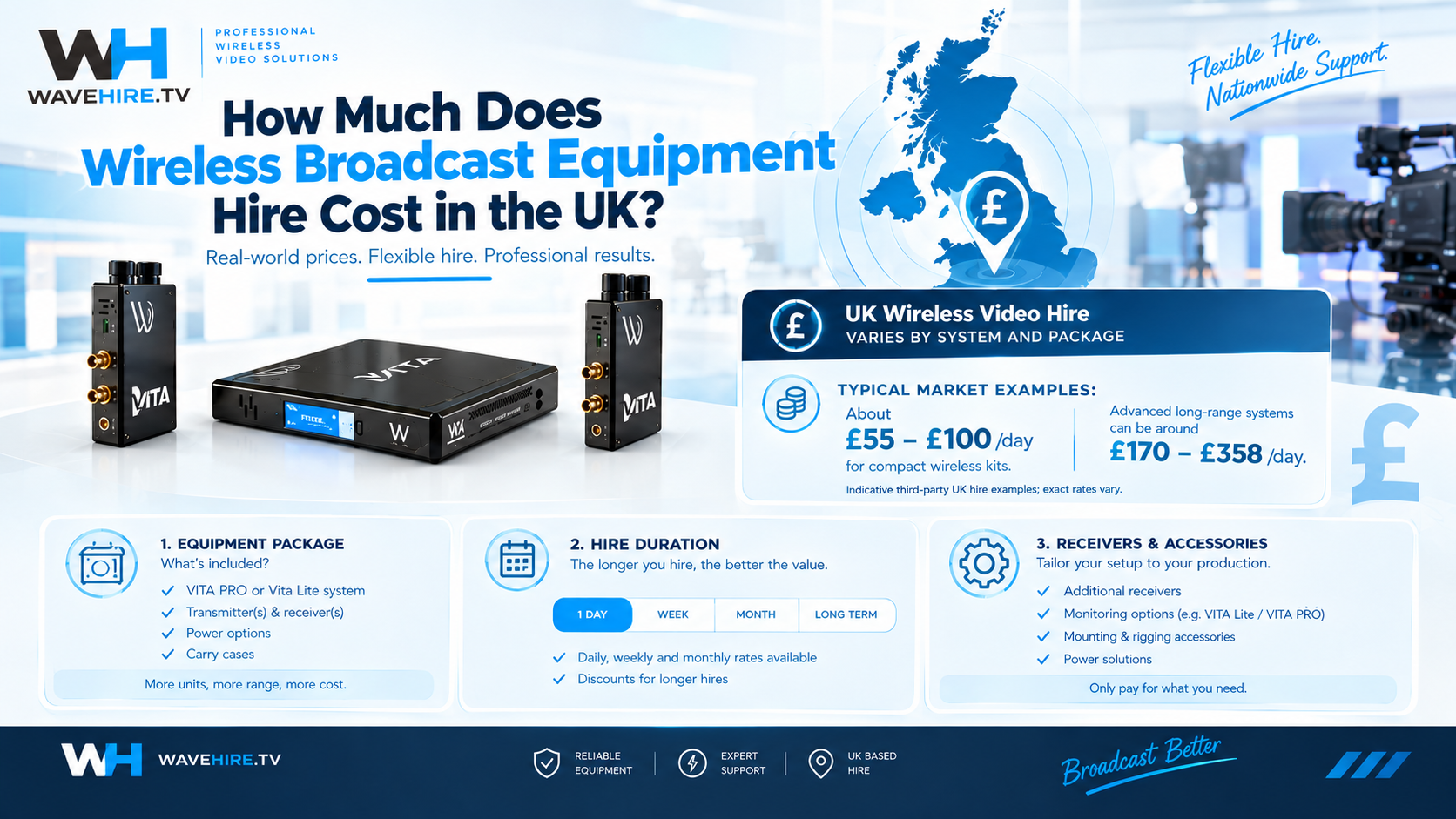
The weekly rate on WaveHire wireless systems is three times the daily rate. For hire periods of four days or more, the weekly rate is more cost-effective than paying the daily rate, and removes the pressure of returning kit on a tight schedule.
For a production with a potential overrun, a scheduled second day of shooting, or a remote location where returning the kit at the end of day one and re-hiring for day two would be impractical, the weekly hire is the lower-risk option.
Related Equipment
Further Reading
- BECTU advice and support Advice and resources from the Broadcasting, Entertainment, Communications and Theatre Union.