
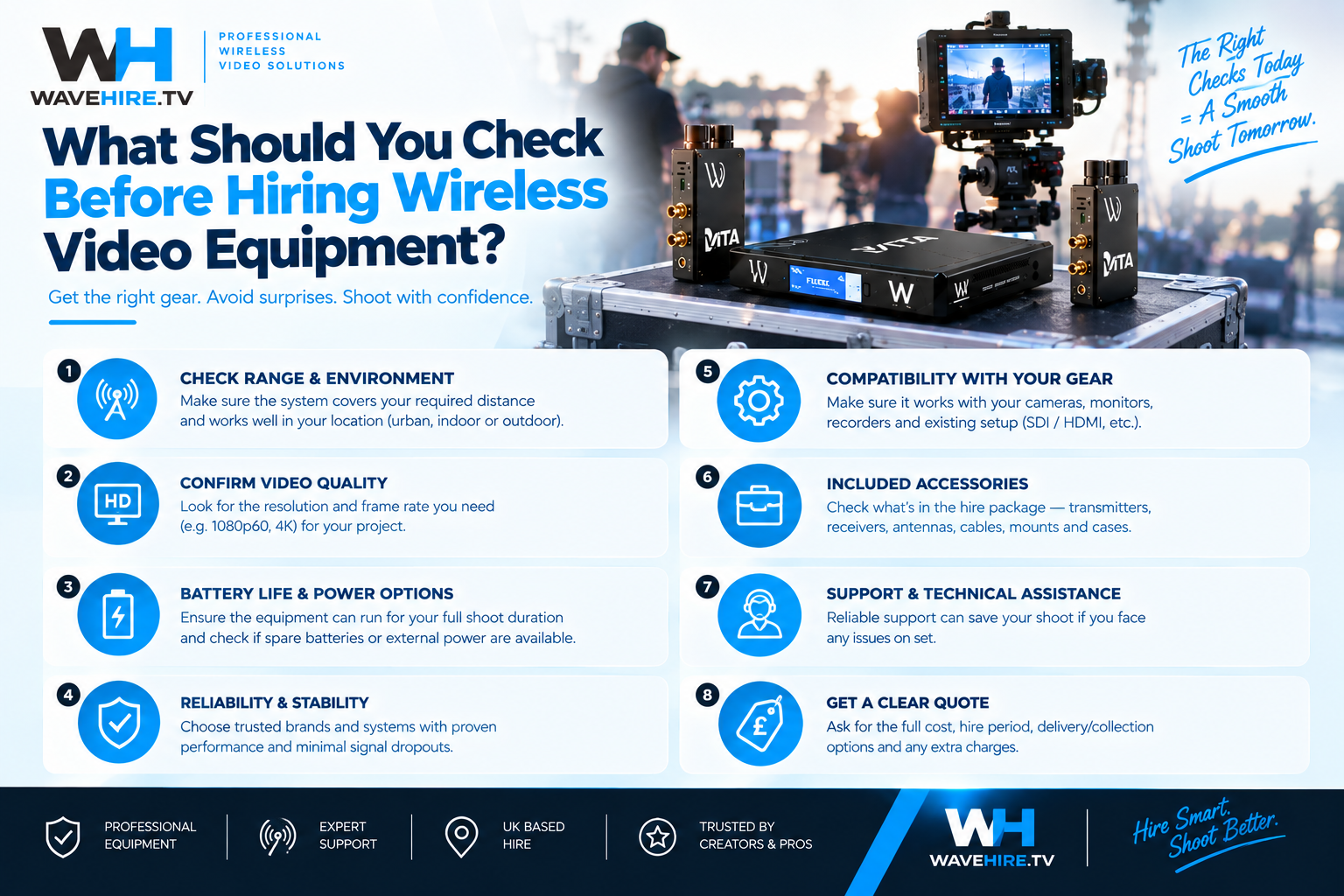
Hiring wireless broadcast equipment for a production requires more preparation than booking a camera or a tripod. The wrong system, incorrect accessories, or poor venue assessment can result in equipment that does not perform as expected on the day. This checklist covers everything you should verify before confirming your wireless equipment hire, whether you are working in London or anywhere else across the UK. Browse every available system before you book.
Do You Know Exactly What Signal You Need to Go Wireless?
The first question is not "which product?" but "what does the wireless link need to carry?" The answer determines your entire system selection.
- Camera control only: You need a CC-LINK system. Your video is already cabled; you just want wireless shading.
- Video only (monitoring): You need a VITA system. No camera control, no IP data — just the picture on a wireless monitor.
- Video + camera control: You need a FLEX system. One wireless link replaces both the video cable and the control cable.
- Video + IP data: You need FLEX IP. Carries the picture and a network connection on the same link.
- Everything wireless: You need FLEX Fusion. Video, IP data, and camera control on a single wireless link.
Is Your Camera System Compatible?
Wireless camera control systems are protocol-specific. The CC-S700 and CC-LINK COMBO use the Sony 700 protocol, which requires Sony cameras with the correct connector (6-pin LEMO). If your cameras use a different control protocol, these specific systems will not be compatible. Check your camera make, model, and control interface before booking.
Video transmission (FLEX and VITA series) carries HD-SDI and HDMI signals, which are standardised across manufacturers. Compatibility is generally straightforward for the video side — any camera with an HD-SDI or HDMI output will work with any FLEX or VITA transmitter. Check CC-LINK compatibility for your specific camera before booking.
Have You Assessed Your Venue and Distances?
Line-of-sight range figures represent maximum distances in ideal conditions. Your production environment will affect actual performance.
- Measure the real distances: Calculate the actual distance between each camera position and the receiver or production area. Compare this with the system's rated line-of-sight range.
- Identify obstacles: Note any walls, structures, large set pieces, or areas where crowds will stand between the transmitter and receiver. These reduce effective range.
- Check the RF environment: Identify existing Wi-Fi networks, in-house wireless systems, and any other RF activity at the venue.
- Plan antenna positions: Determine where you can mount or position receiver antennas for the best line-of-sight to each camera.
Have You Confirmed What Is Included in Your Hire?
Before confirming your booking, check exactly what is included. Contact the WaveHire team to confirm which accessories, cables, batteries, battery plates, and mounting hardware come with your hire, and what you may need to supply separately. This avoids surprises on the production day.
- Batteries and power: Confirm battery type (V-Mount, Anton Bauer, NP-F) and how many are included, or whether you need to arrange your own.
- Cables and connectors: Check what SDI, HDMI, and power cables are included.
- Mounting hardware: Confirm whether cheese plates, clamps, or mounting brackets are provided for your specific rig configuration.
- Cases and transport: Check whether the system comes in a protective case suitable for shipping or transport to your location.
Have You Planned for the Production Day?
Preparation on the day is as important as the booking itself.
- Allow setup time: Schedule time to set up, power on, and verify every wireless link before rehearsal begins. Do not assume plug-and-play.
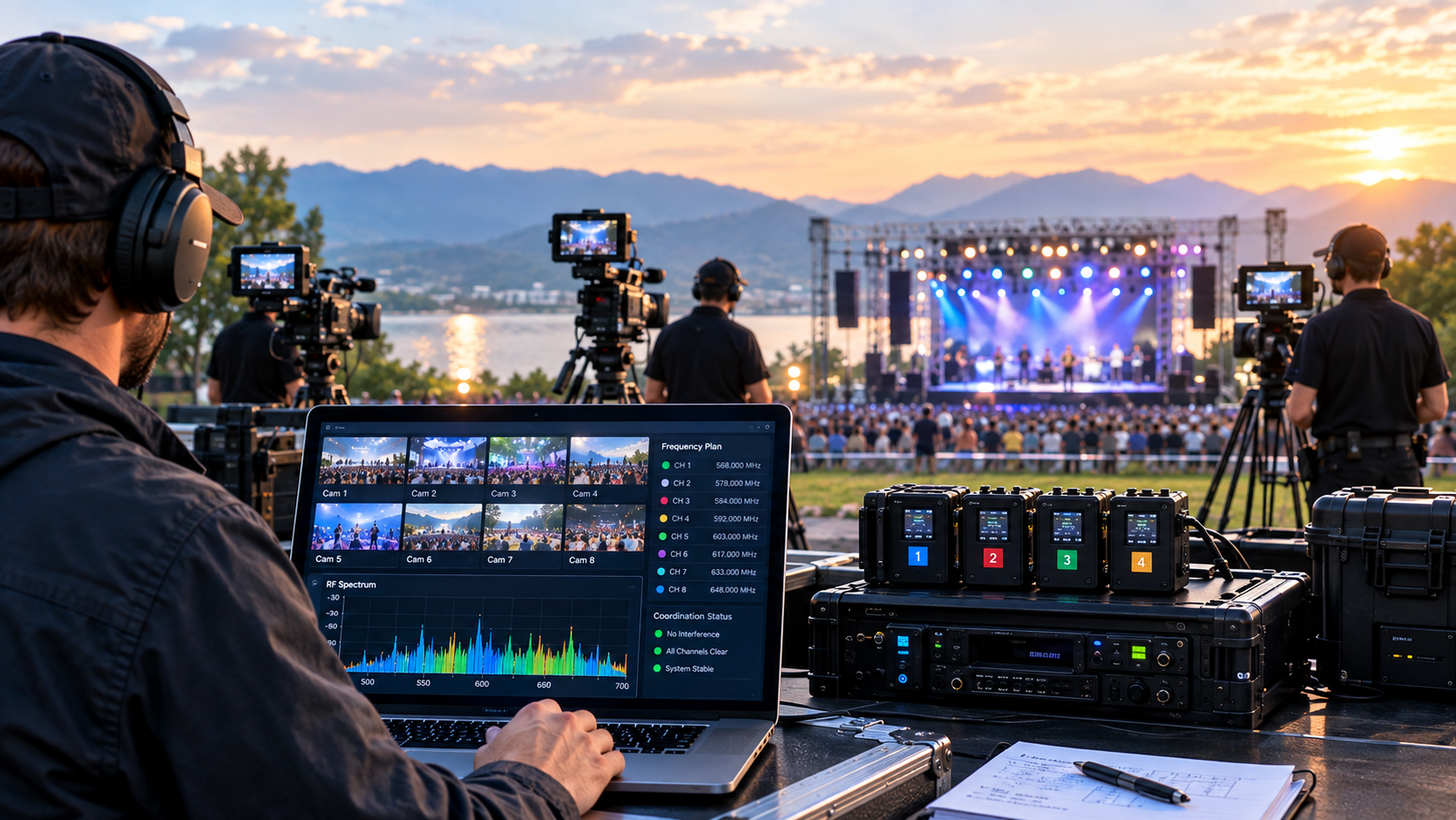
- Test every link: Run all wireless systems simultaneously and check for interference, dropouts, or unexpected behaviour.
- Brief the crew: Ensure every operator handling wireless equipment knows how to power on, check signal status, and swap batteries.
- Have a backup plan: For critical camera positions, consider how you would maintain the feed if the wireless link fails. A backup cable run or a secondary system provides insurance against unexpected issues.
How Does WaveHire Prepare Equipment for Hire?
Every piece of WaveHire equipment is fully tested and paired before dispatch. The team checks that transmitters and receivers are communicating correctly, batteries are charged, and all components are accounted for. This means the system you receive is ready to power on and use. WaveHire provides 24/7 support during your hire — if you encounter any issues on location, the team is available to help troubleshoot.
Equipment can be shipped 1–2 days before your production anywhere in the UK, or collected same-day from our London facility. Book your hire with the team.