
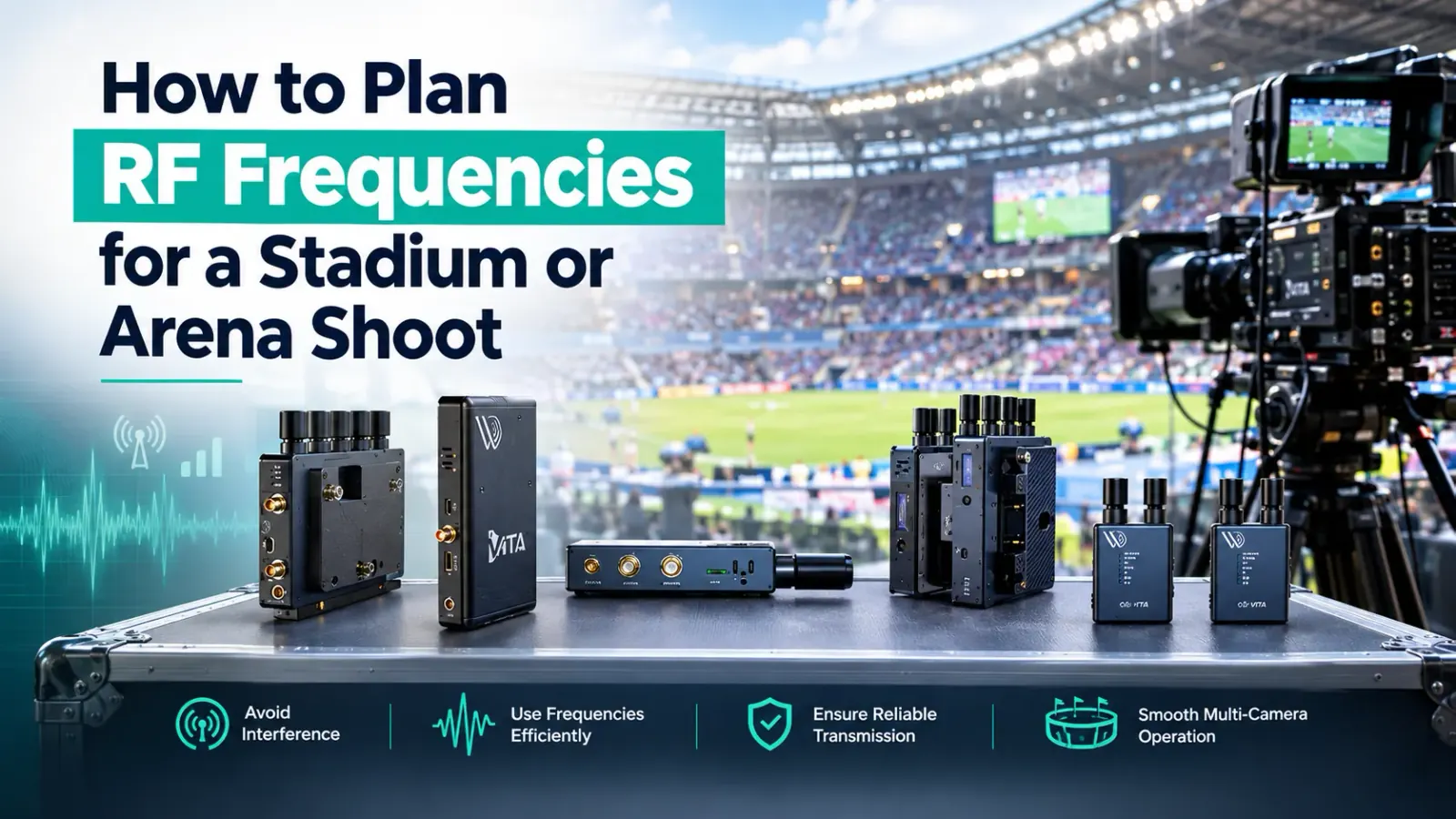
Why Stadium Shoots Demand a Proper RF Plan
Stadium and arena shoots are among the most RF-hostile environments in broadcast. You have the venue's own wireless infrastructure (IEM systems for performers, fixed wireless for broadcast commentary, stadium PA and AV rigs) sitting on top of whatever the visiting production crew brings in. Add the crowd, whose mobile phones collectively generate a broadband RF floor that shifts as people move around the space, and you have a coordination challenge that rewards proper planning and punishes last-minute guesswork.
This is not a problem you solve on the day. The RF plan goes in before shoot day, reviewed, assigned and distributed to every operator who will have a transmitter in their hand.
Step 1: Get the Venue's RF Register
Every major stadium or arena that hosts broadcast events maintains an RF register: a record of what wireless systems are permanently installed and which frequencies they occupy. Request this from the venue's technical manager as early as possible, ideally when you confirm the booking. The register tells you which frequency blocks are already spoken for, which the venue protects for IFB, and whether there are licensed wireless microphone systems operating in bands you were planning to use.
Some venues have a standing RF coordinator who handles frequency assignments for visiting productions. If one exists, make contact immediately. Trying to run your own frequency plan in parallel with theirs creates the exact problem you are trying to avoid.
Step 2: Run a Live Spectrum Scan Before Planning
No RF register captures everything. Mobile phone traffic, temporary RF sources from other productions sharing the venue, and local interference from neighbouring broadcast facilities all contribute to the actual RF picture on the day. A spectrum analyser scan run during the venue walk, or during a pre-production site visit, gives you a real baseline instead of a theoretical one.
Look at 2.4 GHz, 5 GHz and the 900 MHz range if you are operating CC-S700 systems. Note which channels are consistently quiet, not occasionally quiet, because a frequency that shows clear for thirty seconds may be occupied by a device that transmits in bursts.
Step 3: Assign Frequency Groups, Not Individual Channels
When you plan RF frequencies for a multi-system wireless setup, the goal is not just to pick channels that do not currently overlap. Intermodulation distortion (IMD) can generate interference products on frequencies that look clean on paper. Two transmitters operating at 2.412 GHz and 2.437 GHz, for example, generate an intermod product at 2.462 GHz, which may fall directly on a third channel you planned to use.
Frequency planning tools handle this calculation for you. The important discipline is to plan by frequency groups, mathematically compatible sets, rather than selecting channels individually and hoping they do not interact. Your wireless equipment's documentation will include compatible frequency group tables; work within those groupings as a starting point, then validate against your scan data.
Step 4: Plan Transmitter Positions Before Assigning Output Power
Where a transmitter sits in a stadium affects every other frequency decision you make. A camera-mounted VITA PRO transmitter at pitch level pointing towards a receiver in the camera platform area is a very different RF problem to the same system mounted high in a gantry with line of sight across the bowl.
Position first, then assign frequencies, then set output power. Running transmitters at maximum power is not always correct: lower power reduces the footprint of each system and leaves more spectrum headroom for other devices. In a congested stadium, this matters.
Practical range for the VITA PRO System is rated up to 600 metres line-of-sight. In a stadium with reflections off the seating bowl, metal roof structures and other RF sources, your usable range will typically be shorter. Build this into your antenna positioning plan.
Step 5: Produce a Written Frequency Plan and Distribute It
An RF plan that exists in one person's head is not a plan. Every operator running a wireless transmitter on the shoot should receive a copy showing their assigned frequency, the channel designation on their specific unit, and who to contact if they suspect interference. The RF coordinator or a designated technical lead needs to be identifiable throughout the shoot.
The plan should also include a contingency column: alternative frequencies pre-scanned and held in reserve. If a system drops on air and needs a quick channel change, hunting for a clean frequency under pressure is the wrong moment to learn there is no backup option.
Step 6: Monitor Live Throughout the Shoot
A frequency plan that worked at 08:00 on a Sunday morning may behave differently at 14:00 when the ground fills with 60,000 people, every one of them with a device contributing to the 2.4 GHz noise floor. Monitoring the spectrum live throughout the shoot is the only way to catch emerging interference before it takes a system down.
For wireless camera control systems like the CC-S700, signal status is visible at the receiver. VITA and FLEX systems similarly provide signal quality indicators. Brief your operators on what a degrading signal looks like so they can report it before the link drops.
Systems Mentioned in This Guide
Further Reading
- Ofcom PMSE licensing Licensing for Programme Making and Special Events spectrum.
- IBC broadcast technology Industry news and technical coverage of broadcast technology.
- BBC Academy Training and production guidance from the BBC.
- SMPTE standards Published standards for broadcast and media technology.