
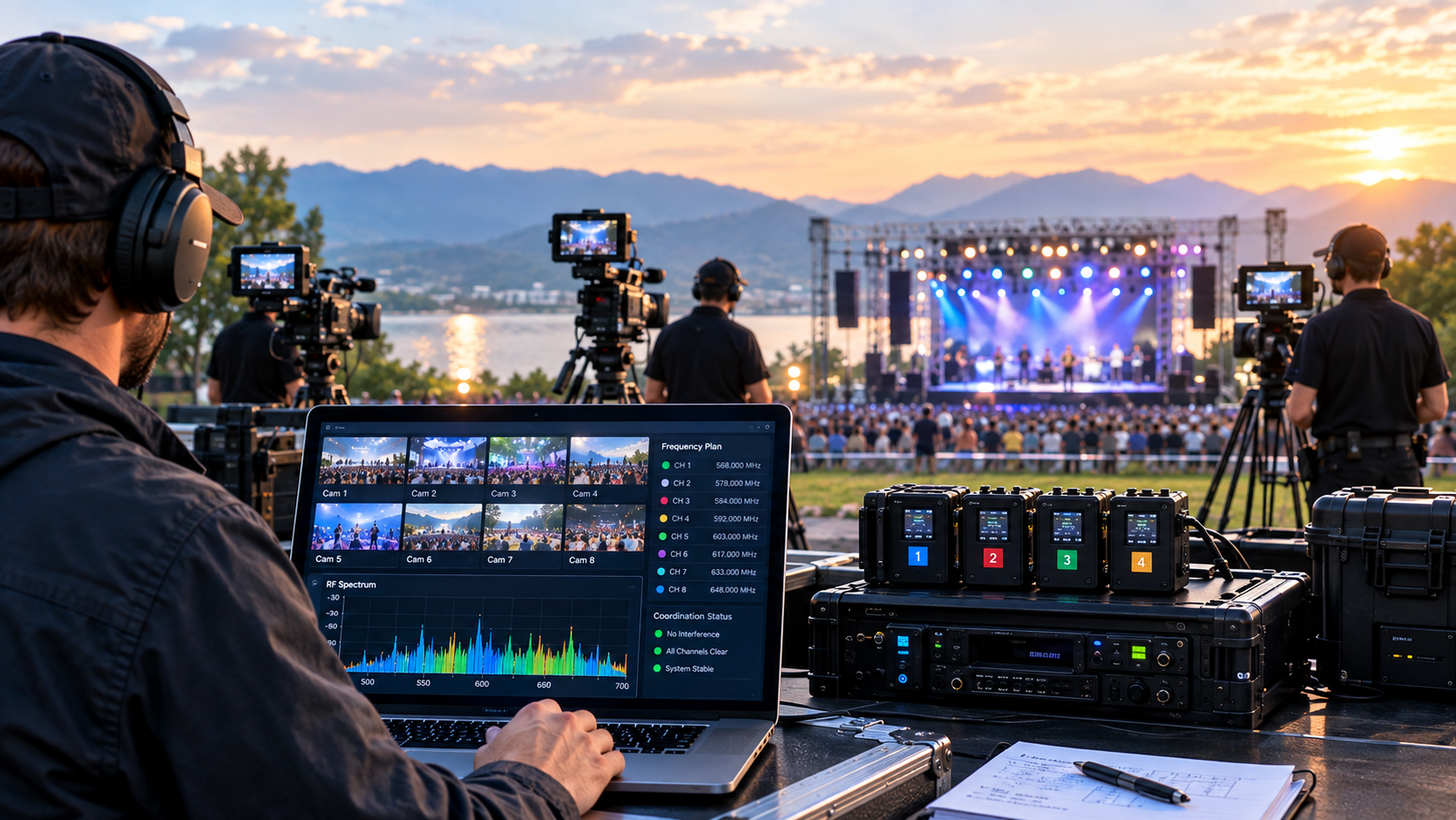
RF coordination is the process of planning which frequencies each wireless system will use so they operate without interfering with each other or with existing RF services at the venue. This guide walks through the practical steps of coordinating wireless camera control, video transmission, and monitoring systems for multi-camera productions across the UK. Browse the full range of wireless broadcast systems covered in this guide.
Why Does RF Coordination Matter for Wireless Broadcast?
Every wireless broadcast system transmits on specific radio frequencies. When two systems share the same frequency or adjacent channels, the result is interference — picture breakup on video links, dropped commands on camera control, or complete signal loss. On a live production where the director is cutting between cameras in real time, even a brief dropout is a broadcast fault. RF coordination prevents this by assigning each system a clear frequency channel before the production day, in line with Ofcom's UK spectrum management and licensing rules.
What Frequency Bands Do Broadcast Wireless Systems Use?
Understanding which bands your equipment operates on is the first step in building a coordination plan.
2.4 GHz and 900 MHz — Camera Control
The CC-LINK series operates on 2.4 GHz and 900 MHz frequencies for camera control data. These bands are widely used by other devices (Wi-Fi routers, Bluetooth, wireless microphones), so channel selection and site assessment are important at busy venues.
5 GHz — Video Transmission and Monitoring
The FLEX and VITA series use 5 GHz bands (5.1–5.9 GHz) for video transmission. The 5 GHz band offers wider channels and generally less congestion than 2.4 GHz, but it is shared with radar systems in parts of the spectrum, which means DFS (Dynamic Frequency Selection) rules apply in certain channels.
How Do You Conduct a Site RF Survey?
A site survey identifies what RF activity already exists at the venue so you can plan around it. This is especially important at stadiums, exhibition centres, and urban venues where existing Wi-Fi networks, in-house wireless systems, and neighbouring broadcasts may occupy channels you need.
What to Check During a Site Survey
- Existing Wi-Fi networks: Note the channels and signal strengths of all 2.4 GHz and 5 GHz access points.
- In-house wireless systems: Identify any wireless intercoms, IEM (in-ear monitoring), or wireless microphone systems permanently installed at the venue.
- Neighbouring events: If adjacent venues or outdoor areas are hosting simultaneous events, their wireless equipment may create interference.
- Physical environment: Note structural materials and distances between camera positions and the production area. Line-of-sight range figures assume clear paths — walls, metalwork, and crowds affect real-world performance.
For large venues, cross-checking against Arqiva's UK broadcast transmission infrastructure data can help flag nearby fixed transmission sites before you arrive on site.
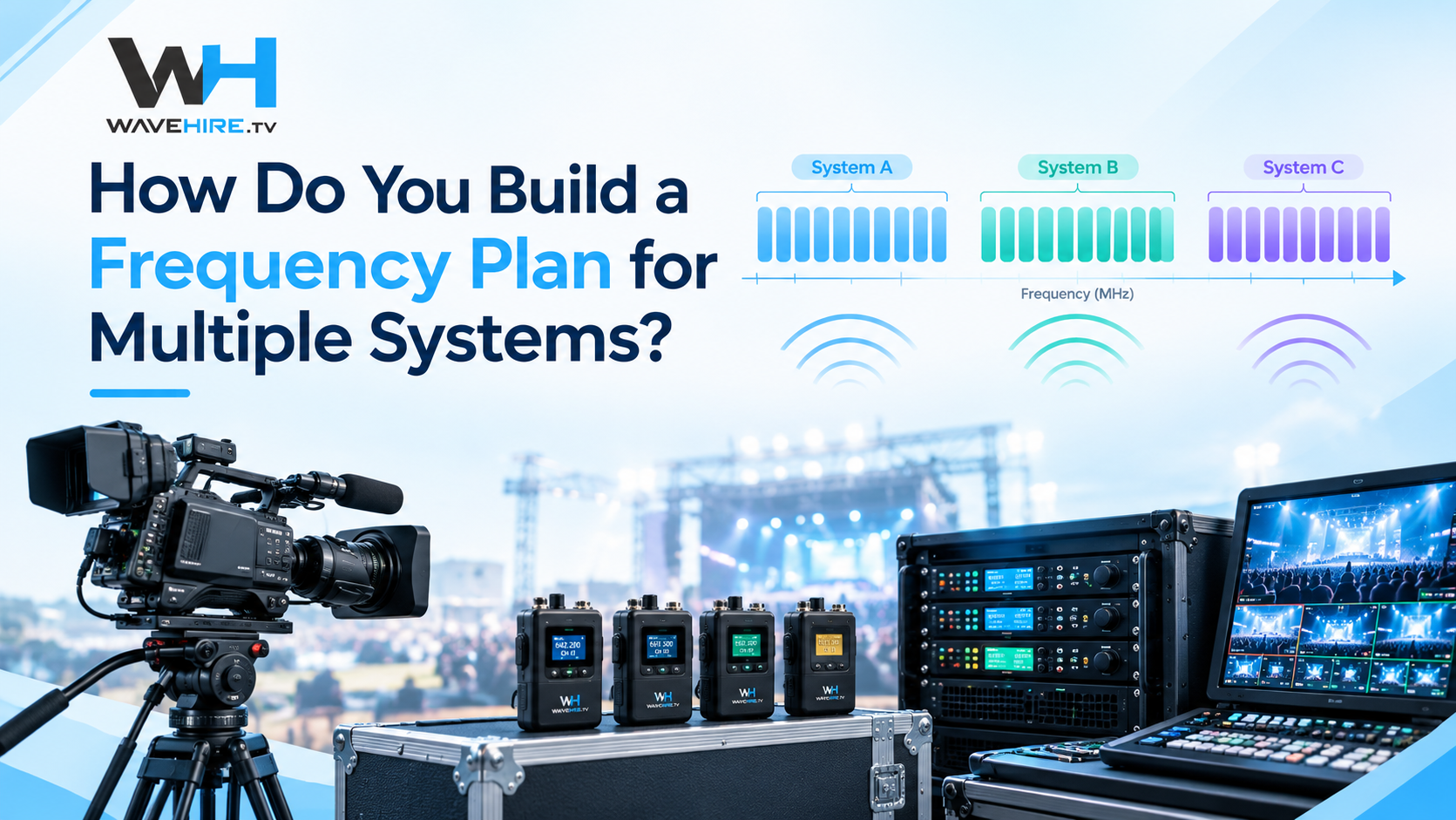
How Do You Build a Frequency Plan for Multiple Systems?
Once you know what is already in the RF environment, allocate channels to each system. The principle is straightforward: keep camera control, video, and monitoring on separate frequency bands, and within each band, space channels as far apart as possible.
Practical Planning Steps
- Map every wireless system: List every piece of wireless equipment on the production — camera control, video TX/RX, monitoring, wireless microphones, intercoms, and IFBs.
- Assign bands by system type: Camera control on 900 MHz or 2.4 GHz. Video transmission and monitoring on 5 GHz. Wireless audio on UHF or 2.4 GHz depending on the system.
- Separate channels within bands: If running multiple FLEX or VITA links on 5 GHz, assign each system to a non-overlapping channel with maximum spacing.
- Document the plan: Record every system, its assigned channel, its power output, and its physical location. Share the plan with every department using wireless equipment.
What Are the Common RF Coordination Mistakes?
Even experienced crews make coordination errors when time is short or assumptions go unchecked.
- Skipping the site survey: Relying on a plan from a previous event at the same venue ignores changes to the RF environment — new Wi-Fi access points, different neighbouring events, or structural changes.
- Ignoring DFS channels: Some 5 GHz channels require DFS compliance. If a radar signal is detected, the system must vacate the channel, which can cause a brief dropout during live transmission.
- Overloading one band: Placing too many systems on 5 GHz without channel spacing leads to co-channel interference. Spread the load across available bands and keep camera control on its dedicated frequencies.
- Not testing before going live: Run all systems simultaneously during rehearsal to identify any interference that the paper plan missed.
How Does WaveHire Support RF Planning?
WaveHire provides wireless broadcast equipment hire across the UK, with every system fully tested and paired before dispatch. Whether you need a single VITA monitoring link or a full multi-camera wireless package with CC-LINK control and FLEX video, the team can advise on system selection and frequency planning for your specific production environment. Equipment can be shipped 1–2 days before your production anywhere in the UK, or collected same-day from our London facility. Contact the team to discuss your RF coordination requirements.