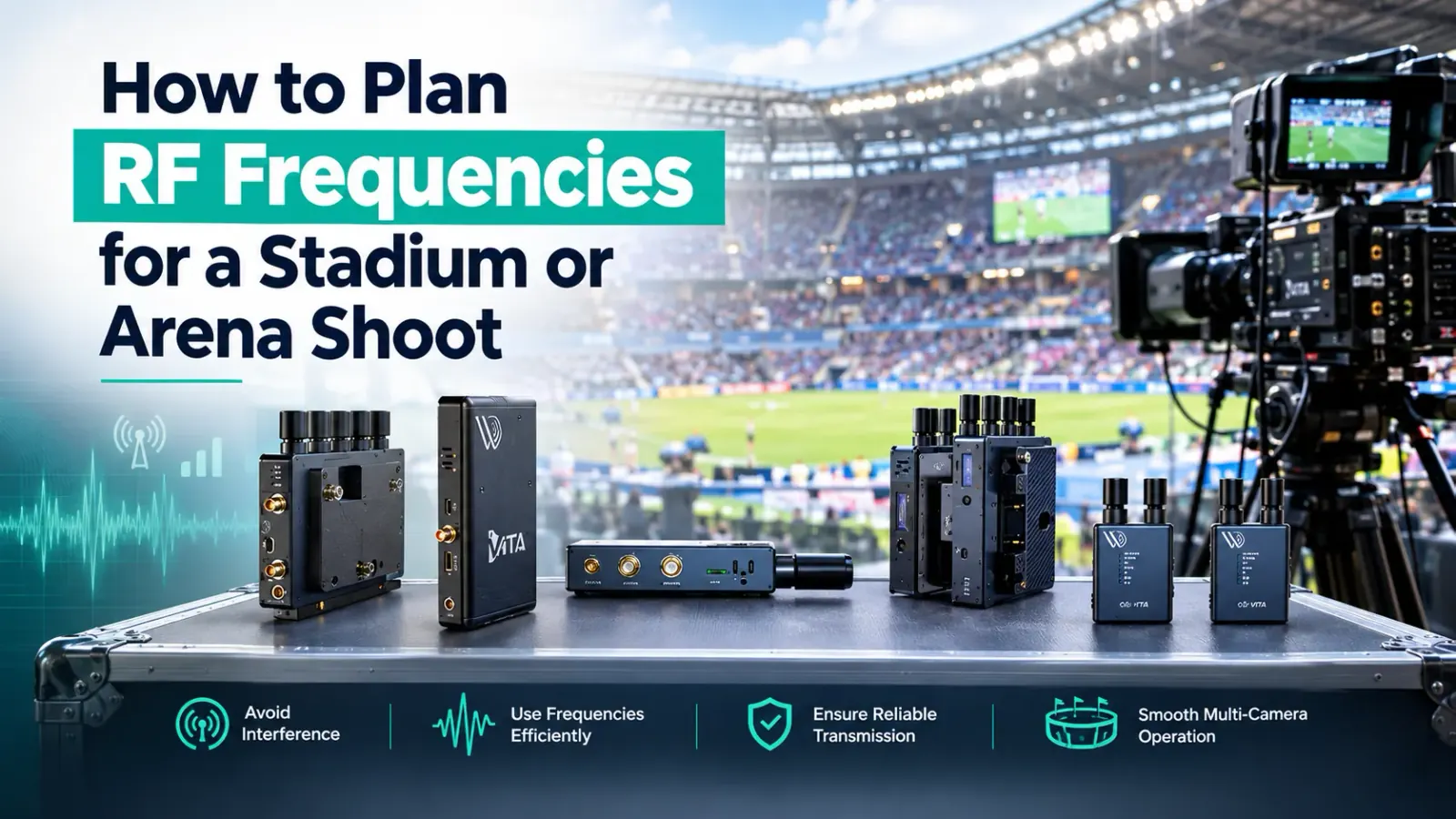
Ask any RF coordinator what ruins a live shoot and they will not say a faulty box. They will say a venue that filled up with radios nobody had counted. Wireless microphones, in-ear monitors, talkback, camera links, venue Wi-Fi and thousands of phones all compete for space. Ofcom's own review of the sector notes that demand has grown fastest for wireless microphones, in-ear monitors and wireless cameras, which is exactly the crowd you are about to join.
What is RF congestion and why does it affect wireless video?
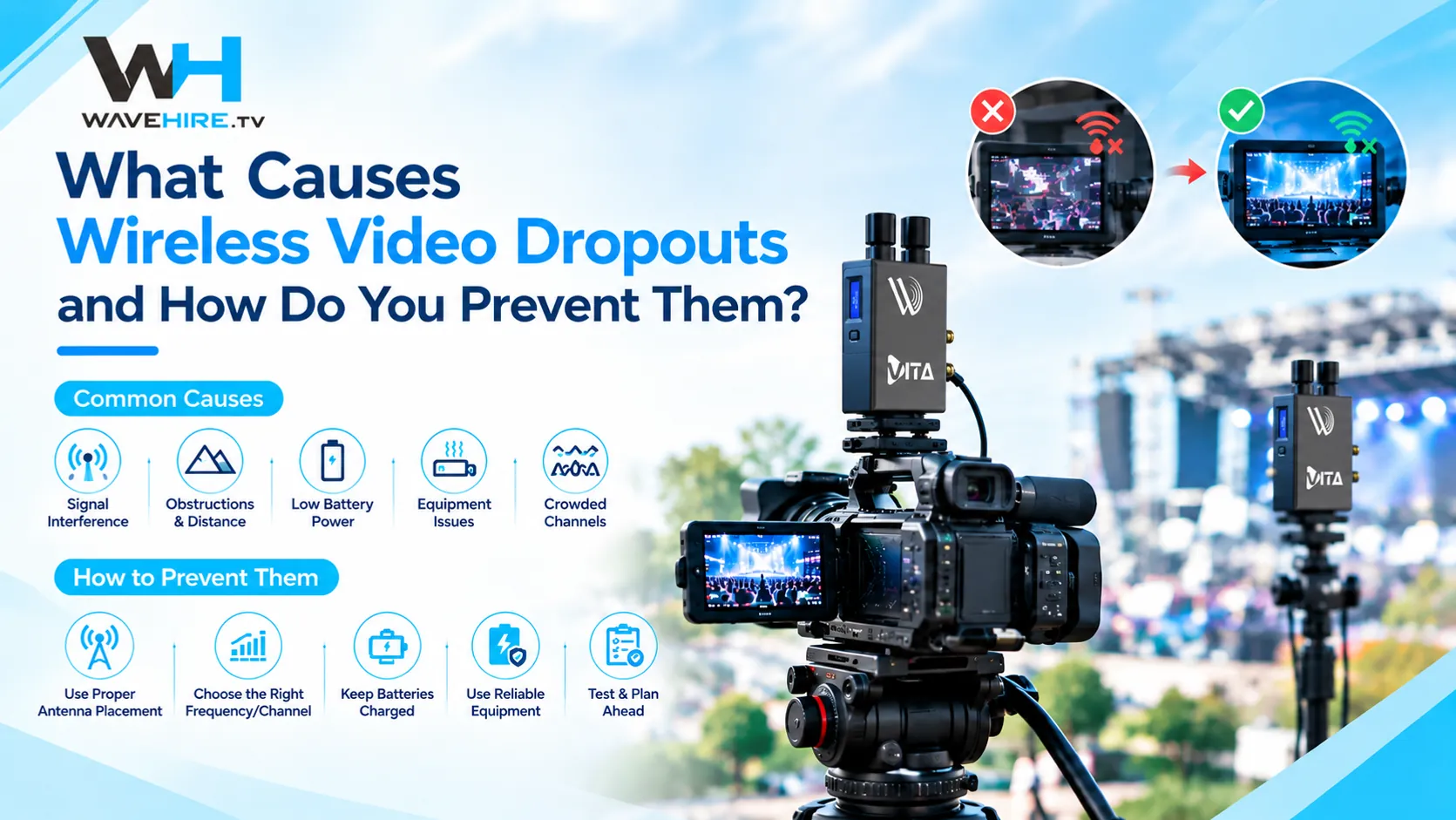
RF congestion is what happens when too many devices transmit in the same part of the radio spectrum at the same time. Wireless video links need clean, steady radio conditions, so when other signals crowd the same space the picture can break up, freeze or drop out. It tends to be worst in venues with lots of crew, lots of equipment and lots of phones.
Many wireless video systems, including some working in the 2.4 GHz and 5 GHz ranges, share space with Wi-Fi networks. A stadium full of phones and hospitality networks is not a quiet place. That does not make wireless video unusable, but it does mean planning cannot be left until the day.
Do you need a licence for wireless video at a live event?
It depends on the equipment, the frequencies and how it is used, so check before you book. Ofcom requires a programme-making and special events (PMSE) licence for certain wireless production equipment, including wireless microphones and talkback, and it is a legal requirement that the licence is granted before you transmit. Some equipment is licence-exempt, but exempt does not mean uncongested.
Ask your hire company which frequencies each system uses and whether a licence applies to your use and location. Then read Ofcom's current guidance, because spectrum rules change. Do not rely on last year's answer.
How do you plan wireless video for a live event?
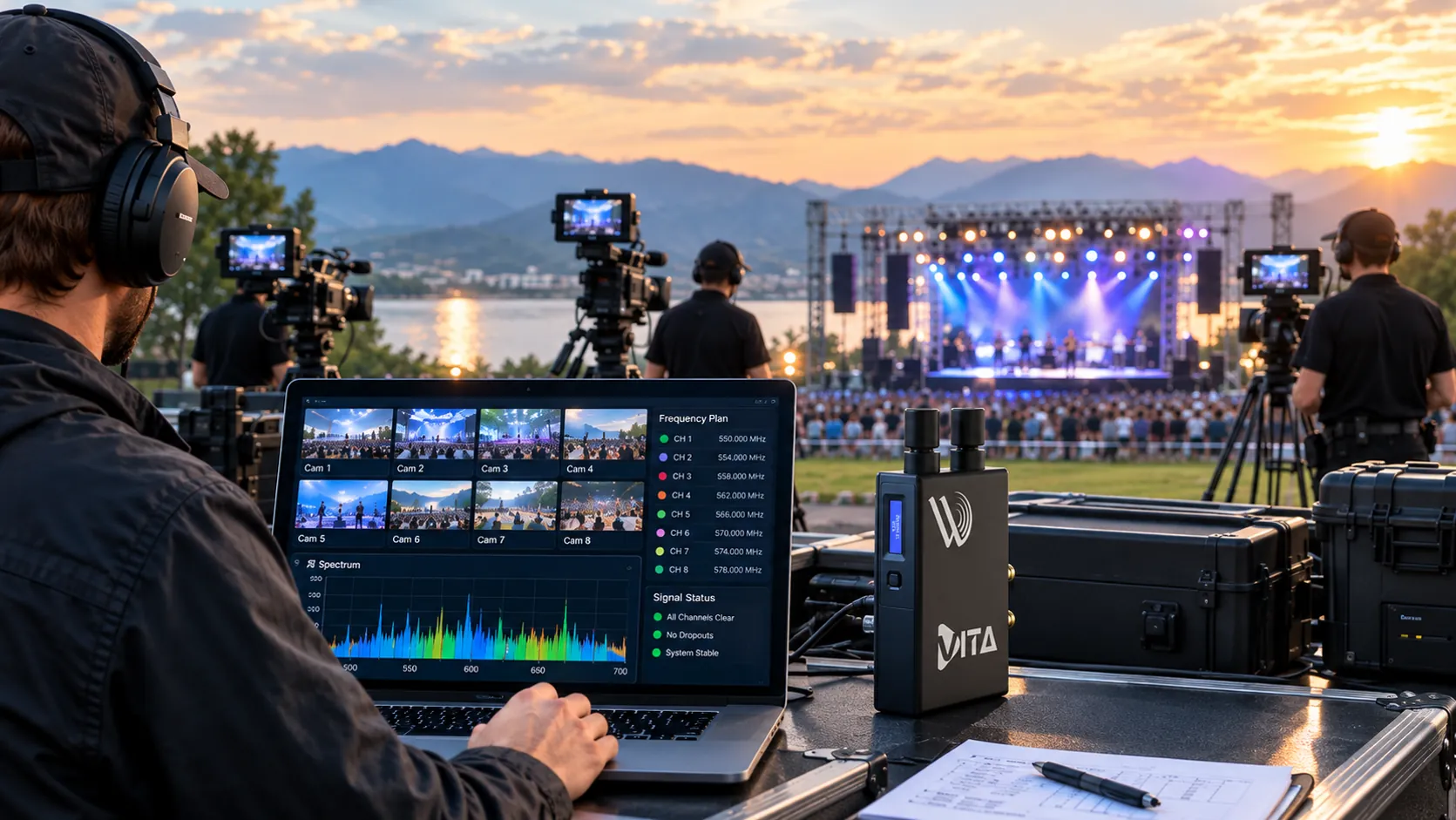
Start by counting everything that transmits, then decide where each link will sit and how it will be tested. Doing this early is the difference between a calm rig day and a very long one.
- Count your own links. List every camera link, monitoring feed, microphone, in-ear monitor and intercom channel.
- Ask about everyone else. Find out what the venue, the broadcaster and other productions are using. Speak to the venue's technical manager and any RF coordinator early.
- Map positions. Mark where each transmitter and receiver will sit, and where cameras will move.
- Choose range with headroom. Pick a system rated well beyond the distance you need.
- Test in the venue. Run every link with the building empty, then again with crew and audience present if you can.
- Hold a backup. Carry a spare transmitter and receiver, and a wired fallback for any shot you cannot lose.
What range should you actually plan for?
Plan for well under the rated range. FLEX systems are rated up to 600 m line-of-sight, and the VITA PRO System up to 600 m, but those figures assume nothing is in the way. Steel structures, stage rigs, vehicles and crowds all cut into it, and in an arena a 100 m path can be harder than 400 m of open field.
Keep antennas high and clear, avoid hiding them behind bodies or metal, and place receivers where they have a good view of the area the camera will cover. The Wikipedia explanation of line-of-sight propagation is a good plain-language refresher on why obstructions matter so much.
Which WaveHire systems suit live events?
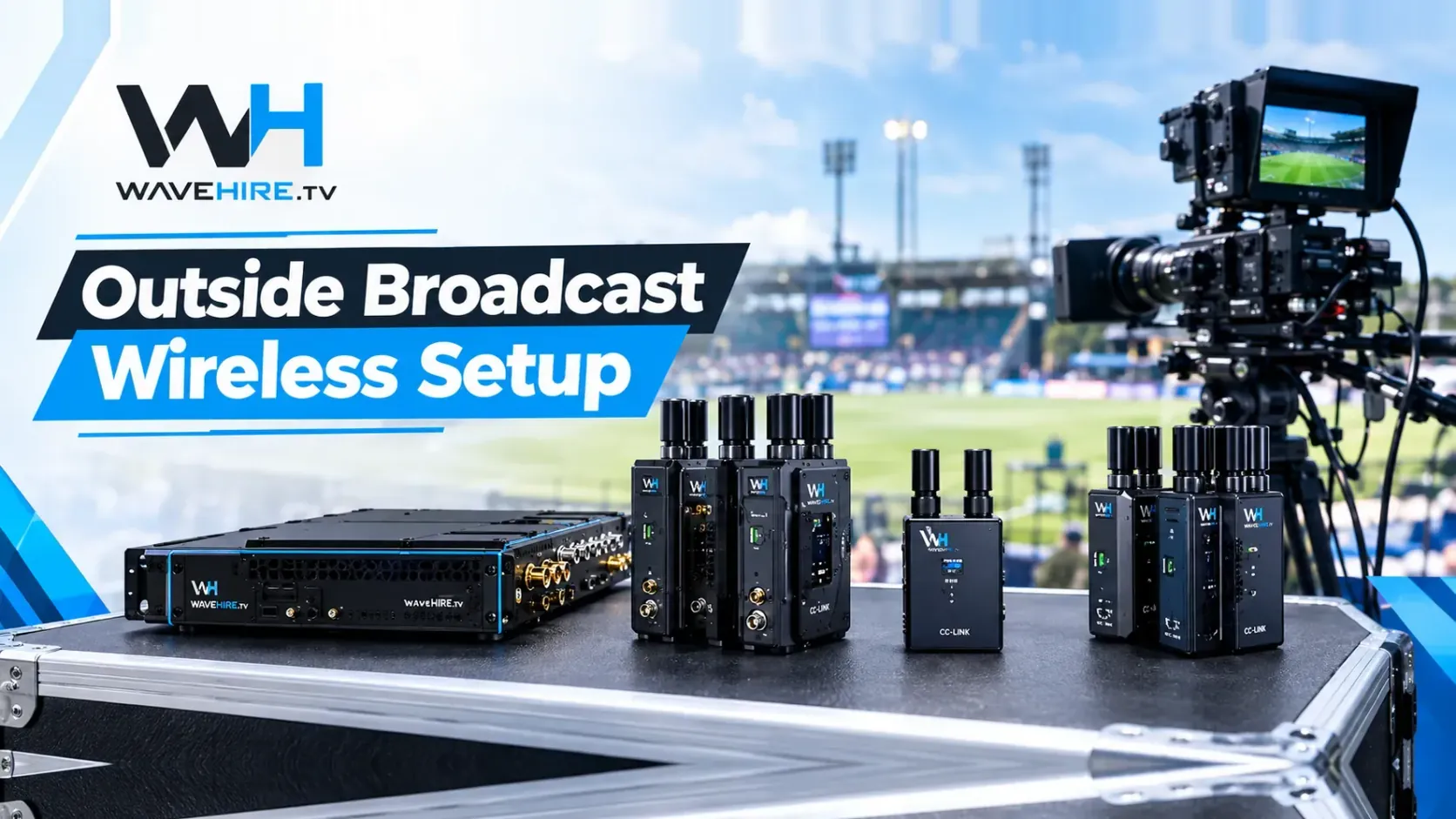
Use FLEX for broadcast live work where picture travels with data or camera control, and VITA for monitoring feeds to directors, producers and clients.
| Job | System | Range (line-of-sight) | Daily rate (excl. tax) |
|---|---|---|---|
| Live picture with IP data | FLEX IP | Up to 600 m | £175 |
| Live picture with Sony camera control | FLEX S700 | Up to 600 m | £200 |
| Live picture, IP data and Sony control | FLEX Fusion | Up to 600 m | £225 |
| Monitoring feed over longer distances | VITA PRO System | Up to 600 m | £125 |
| Compact monitoring feed | Vita Lite System | Up to 300 m | £90 |
| Extra camera on an existing VITA link | Vita Transmitter | Set by the link it joins | £50 |
| Extra monitor point | Vita Lite Receiver | Set by the link it joins | £80 |
FLEX systems offer sub-1 ms latency, with V-Mount and Anton Bauer battery options. VITA products offer sub-1 ms system latency when used as part of a compatible VITA wireless link. If remote camera control is part of the plan, see the wireless camera control range or read our explanation of wireless video versus camera control.
What should you ask your hire company?
A good hire company will answer these without fuss. If the answers are vague, treat that as information.
- Which frequencies does each system use, and do they need a licence for my use?
- What is the rated range, and what range do you recommend for a venue like mine?
- Has the kit been tested, and by whom, before dispatch?
- Can I test it before the event?
- What is your support cover on the day, and is it available out of hours?
- What do you recommend as a backup?
Why plan with a specialist hire company in London?
Live work punishes surprises. WaveHire tests every unit with a technician before dispatch, offers same-day collection from our London facility, insures all kit and provides 24 hour support. With 15 years of broadcast experience, we are happy to talk through a venue, a camera count and a budget before you commit. Use the contact page to send us the details, or look through the equipment hub to see what is available. For monitoring feeds specifically, our guide on how directors monitor camera feeds wirelessly is worth a read.
Sources and further reading
- Ofcom: Programme-making and special events (PMSE) Licensing guidance for wireless production equipment in the UK.
- Ofcom: Call for input on the PMSE sector spectrum review Ofcom's review of spectrum use by wireless microphones, in-ear monitors and wireless cameras.
- Wikipedia: Line-of-sight propagation The principle behind rated range and clear paths between antennas.