
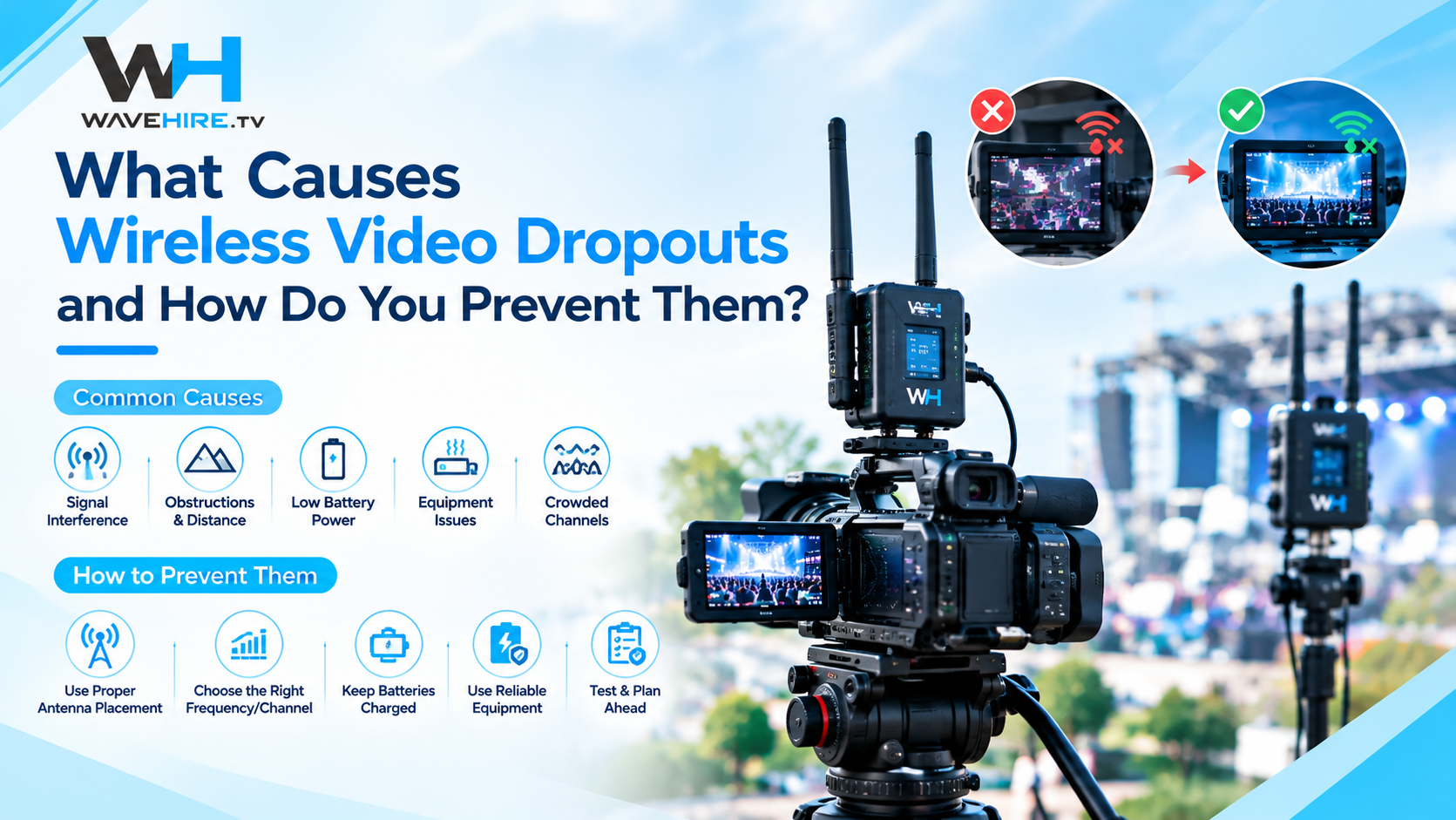
Wireless video dropouts — brief moments where the picture freezes, breaks up, or disappears entirely — are the most visible failure mode in wireless broadcast production. This guide covers the practical causes of dropouts and the steps production teams across the UK can take to prevent them during rehearsal and live transmission.
What Is a Wireless Video Dropout?
A dropout occurs when the receiver loses enough of the transmitted signal that it cannot reconstruct a clean video frame. Depending on the system and the severity, this can appear as a momentary freeze frame, macroblocking (visible square artefacts), colour distortion, or a complete loss of picture. On a live production where the director may cut to the affected camera at any moment, even a half-second dropout is a broadcast fault, as measured against SMPTE's broadcast signal quality standards.
What Are the Most Common Causes of Wireless Video Dropouts?
Dropouts are rarely random. Nearly every occurrence can be traced to one of five environmental or technical causes.
Line-of-Sight Obstruction
5 GHz video signals travel in a relatively straight path between transmitter and receiver. When a person, vehicle, set piece, or structural element moves into that path, signal strength drops. Dense crowds at live events are a common culprit — the signal path that was clear during rehearsal may be blocked by standing audience members during the live show.
RF Interference from Other Systems
The 5 GHz band is shared with venue Wi-Fi networks, other wireless video systems, and certain radar installations. When multiple signals occupy the same or adjacent channels, they interfere with each other. This is especially problematic at large venues where multiple productions or events operate simultaneously — the kind of environment covered in How to Plan RF Coordination for a Multi-Camera Wireless Shoot.
Multipath Reflection
In indoor environments, the signal bounces off walls, ceilings, and metalwork, arriving at the receiver via multiple paths with slightly different timing. When these reflections are strong enough, they can distort the primary signal. Venues with large metal structures — exhibition halls, stadiums with steel roofing — are particularly prone to multipath issues.
Exceeding Effective Range
Rated range figures are line-of-sight maximums measured in ideal conditions. In real production environments, effective range is typically lower due to obstacles, atmospheric conditions, and RF congestion. The FLEX series is rated to 600 m and the VITA PRO to 600 m line-of-sight, but actual performance depends on the specific environment.
Antenna Positioning
The position and orientation of both transmitter and receiver antennas directly affects signal quality. An antenna hidden behind a camera operator's body, pointed at the floor, or mounted too low relative to obstacles will underperform regardless of the system's rated capability.
How Do You Prevent Dropouts Before They Happen?
Prevention is always more effective than troubleshooting during a live production.
Position Antennas for Clear Line-of-Sight
- Transmitter: Mount the TX antenna as high on the camera rig as practical, clear of the operator's body and any rigging.
- Receiver: Position the RX antenna with a clear, elevated view of the camera positions. Higher is almost always better for 5 GHz links.
- Diversity: Systems with dual antennas (like the VITA PRO's enhanced multi-antenna design) improve reliability by receiving the signal on two slightly different paths.
Conduct a Proper RF Survey
Scan the venue's RF environment before the production day. Identify existing Wi-Fi networks, in-house wireless systems, and any other equipment operating on your planned frequencies. Adjust your frequency plan to avoid occupied channels — see How to Plan RF Coordination for a Multi-Camera Wireless Shoot for the full process.
Test the Full Signal Path During Rehearsal
Run every wireless system simultaneously during a full rehearsal that replicates live conditions as closely as possible. Walk each camera through its planned positions and movements. Have crew members stand where the audience or other obstacles will be. Any dropout during rehearsal is information you can act on before it matters.
Plan for Worst-Case Environments
If the venue has dense metalwork, large crowds, or known RF congestion, plan conservatively. Keep camera positions well within effective range rather than relying on maximum rated distances. Consider running cabled backup for critical camera positions where a dropout would be unacceptable.
How Do You Troubleshoot Dropouts During Production?
If dropouts occur during rehearsal or a live event, systematic troubleshooting identifies the cause faster than guesswork.

- Check antenna positioning first: The most common fix is simply repositioning the TX or RX antenna for clearer line-of-sight.
- Change the frequency channel: If interference is the cause, switching to a different channel on the same band often resolves it immediately.
- Reduce the transmission distance: Move the receiver closer to the camera positions or relocate to a position with fewer obstacles in the signal path.
- Check battery levels: Low battery voltage on the transmitter can reduce transmission power. Swap to a fully charged battery.
What Equipment Features Help Prevent Dropouts?
Broadcast-grade wireless systems include features specifically designed to maintain signal integrity in challenging environments.
- OFDM encoding: Used by the FLEX and VITA series, OFDM splits the signal across multiple carrier frequencies, making it more resistant to narrowband interference and multipath distortion.
- AES encryption: On camera control links (CC-S700, CC-LINK COMBO), AES encryption protects control and status data, ensuring commands reach the camera reliably.
- Multi-antenna diversity: The VITA PRO's enhanced multi-antenna design gives the receiver multiple signal paths to choose from, reducing the impact of any single obstruction.
Browse the full equipment catalogue to see systems with these features.